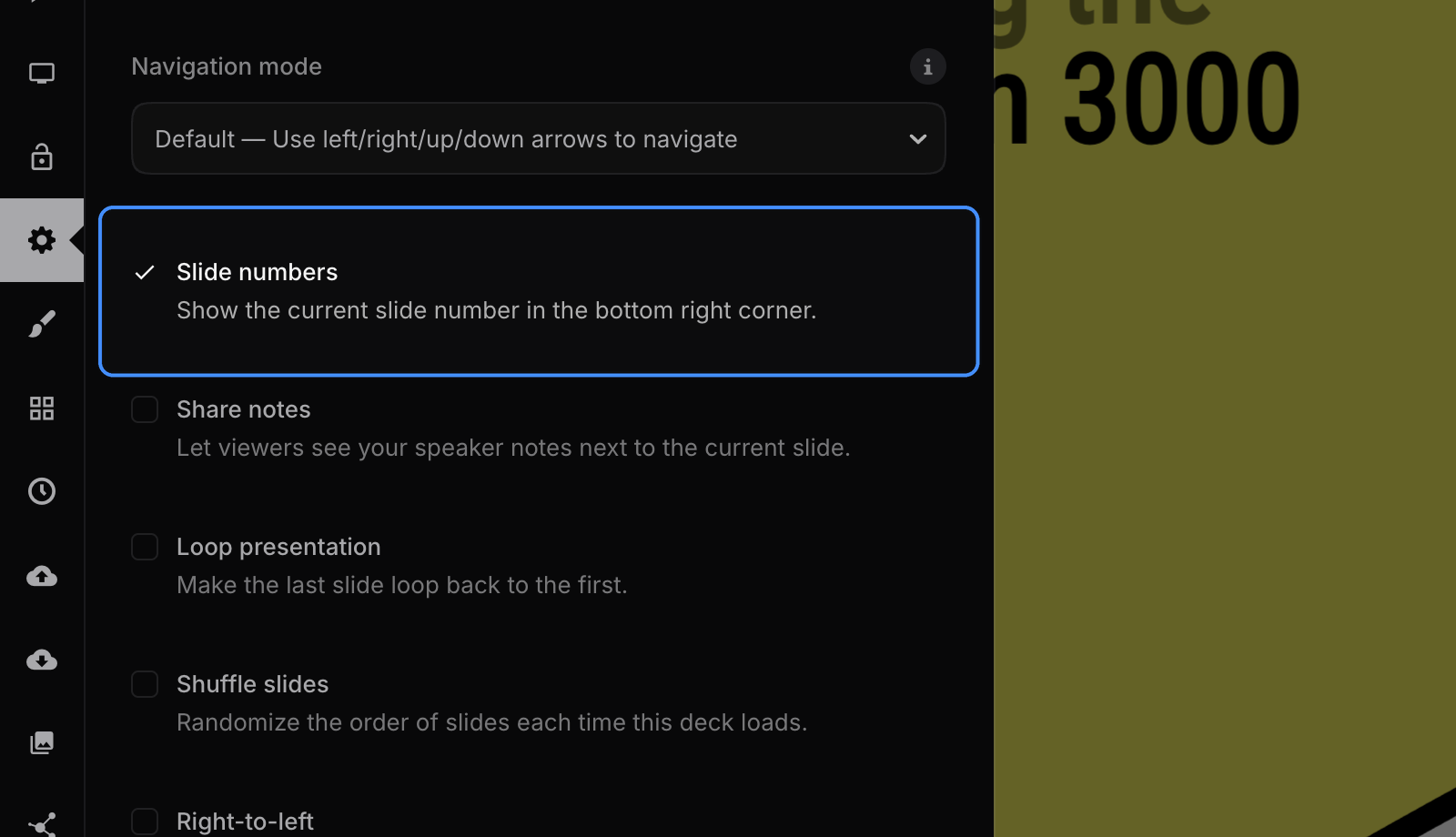
Slide numbers help your audience keep track of where they are and make it easy to refer back to a specific slide during questions. Turn on Slide numbers in the presentation settings to show the current slide number in the bottom-right corner of the presentation. Slide numbers appear in the editor and for anyone who views your deck, and they're included in PDF exports by default.
Regardless of this setting, a thin progress bar along the bottom of the screen always shows how far into the presentation you are.
Custom styling
Pro and Team users can customize the style and placement of slide numbers using the CSS editor. Target the .slide-number selector.