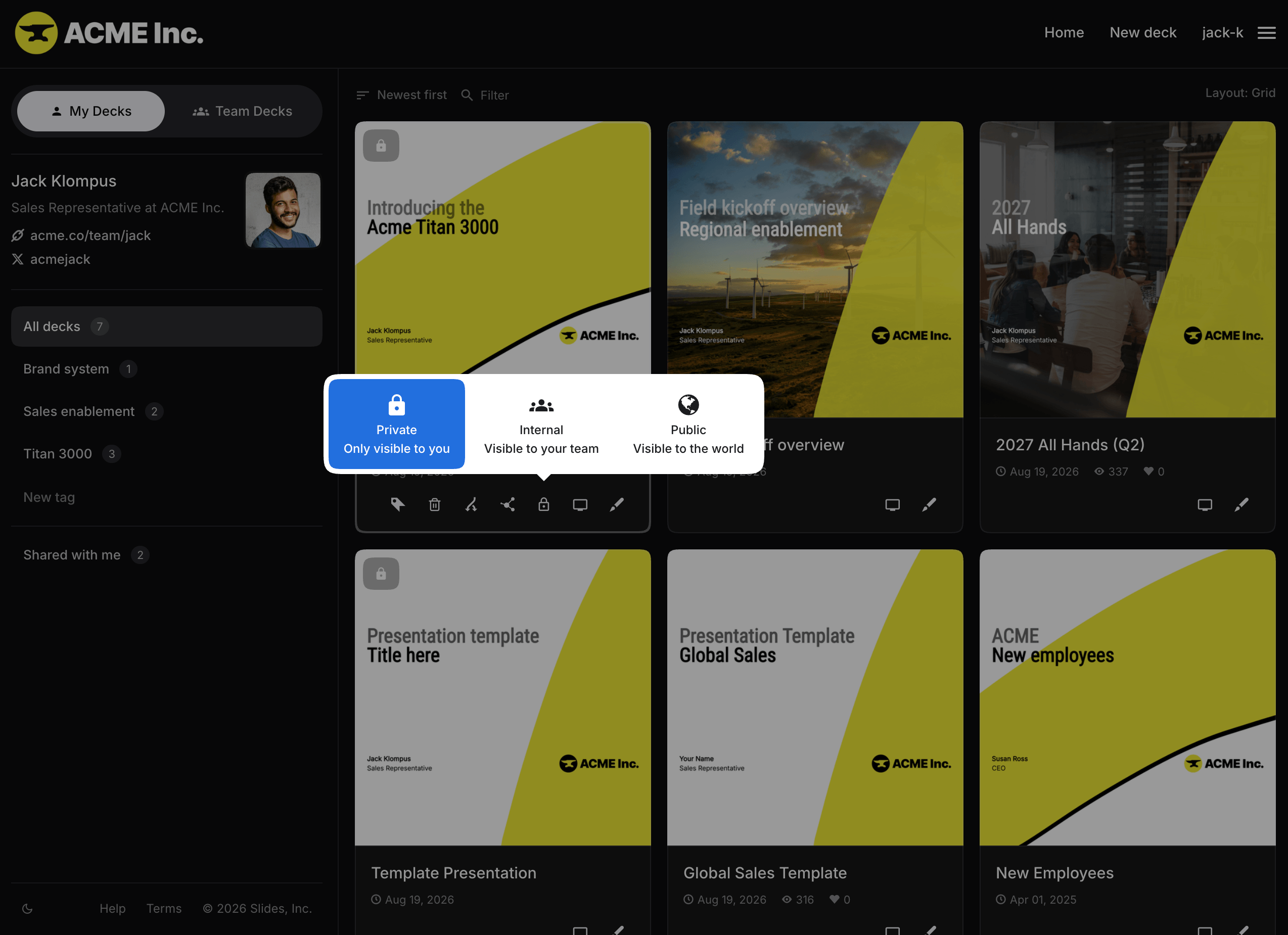
Control who can see each of your presentations. Free accounts can only create public decks. On paid accounts, new decks are private by default, and you can change their visibility at any time. A lock icon indicates that a deck is private. Select the icon from your profile page, presentation page, or the editor to choose a different visibility.
Sharing a private deck
You can share a private deck with a selected audience using a private link or password protection.
Learn more about sharing private decks.
Internal decks
Team members have a third visibility option, Internal. Internal decks are visible to members of the team but hidden from everyone else.