You can make your presentation advance automatically by setting an Auto-slide time in the editor's Settings panel. This timing applies to every slide unless you configure slide-specific timing. Enable Loop if you want the presentation to restart after the last slide.
You can also enable auto-slide and looping for a single session using kiosk mode.
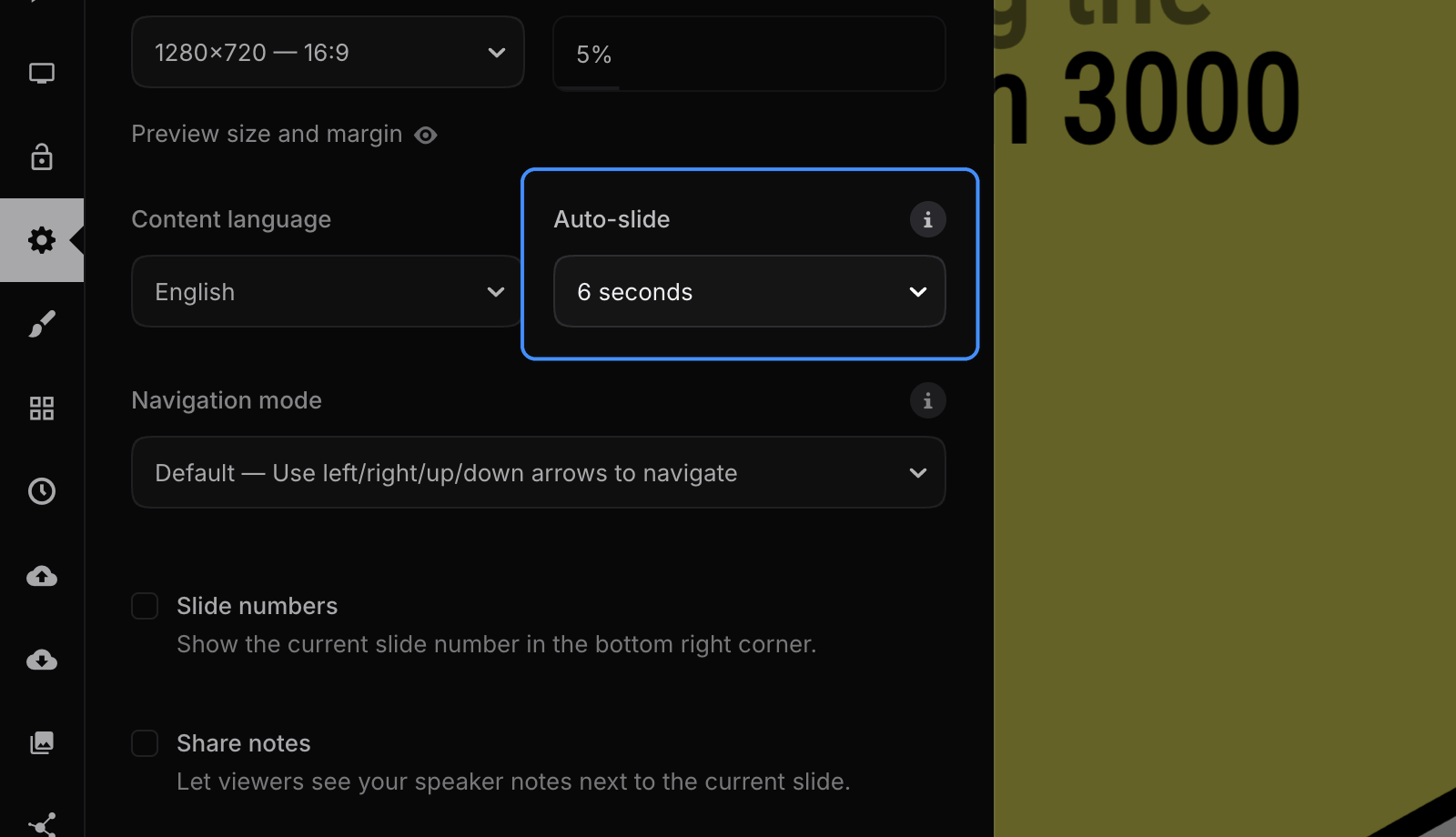
Slide-specific timing
You can override the auto-slide timing for individual slides in slide settings.
Controls
When auto-slide is enabled, a progress meter and play/pause control appear in the bottom-left corner of the presentation. Use these controls to pause automatic playback and navigate manually when needed. See an auto-slide example.