• Presentations
  • Templates
  • Features
  • Teams
  • Docs
  • Pricing
  • Log in
  • Sign up
  • Log in
  • Sign up

Docs

  • Getting started
  • Content & media
  • Design & themes
  • Slides & animation
  • AI
  • Presenting
  • Sharing & collaboration
  • Import & export
  • Presentation settings
    • Title, description, and URL
    • Privacy
    • Password protection
    • Size and aspect ratio
    • Slide numbers
    • Auto-slide
    • Shuffle slides
    • Google Analytics
  • Account & billing
  • Teams
  • Developer tools

API

  • REST API
  • MCP Server
  • Define API
Docs / Presentation settings / Shuffle slides

Randomize slide order on every load

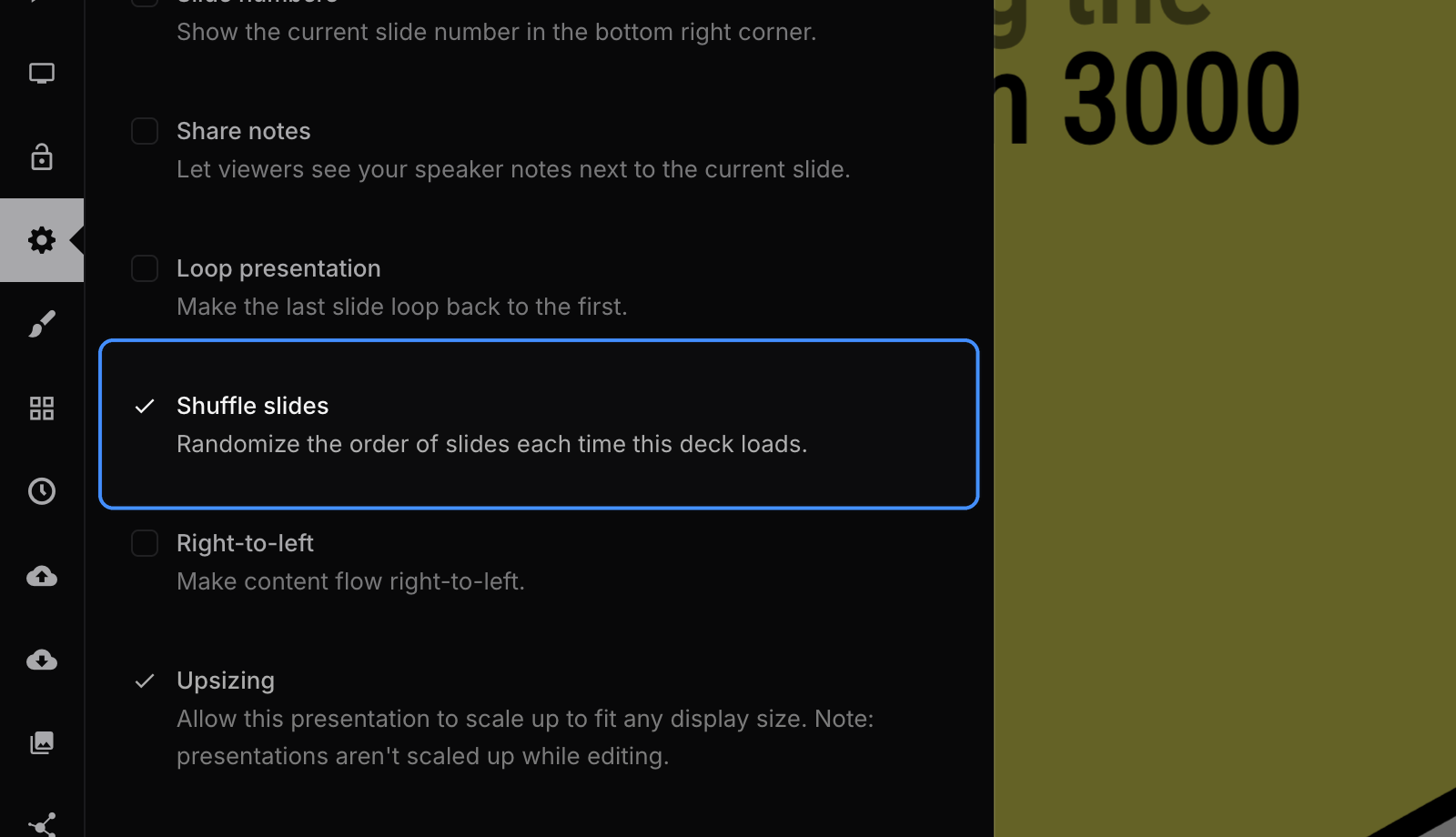
Enable Shuffle slides to randomize the order of all slides each time the presentation loads. Slides are never shuffled while you are editing the deck.

You can find this option in the "Settings" panel inside of the editor:

Shuffle slides option in presentation settings

Previous Advance slides automatically on a timer Next Track views of public decks and profiles

Tour

Presentations Trending decks Templates Features Pricing Slides for teams Slides for developers

Help

Documentation Developer docs REST API MCP Server Define API Leave feedback Report an issue Forum

Company

News Changelog About Slides.com Security Partners

Resources

Make slides with AI Embed Google Maps Embed Google Forms Embed YouTube PDF to Slides PPT to Slides Markdown to Slides
Terms Privacy © 2026 Slides, Inc.