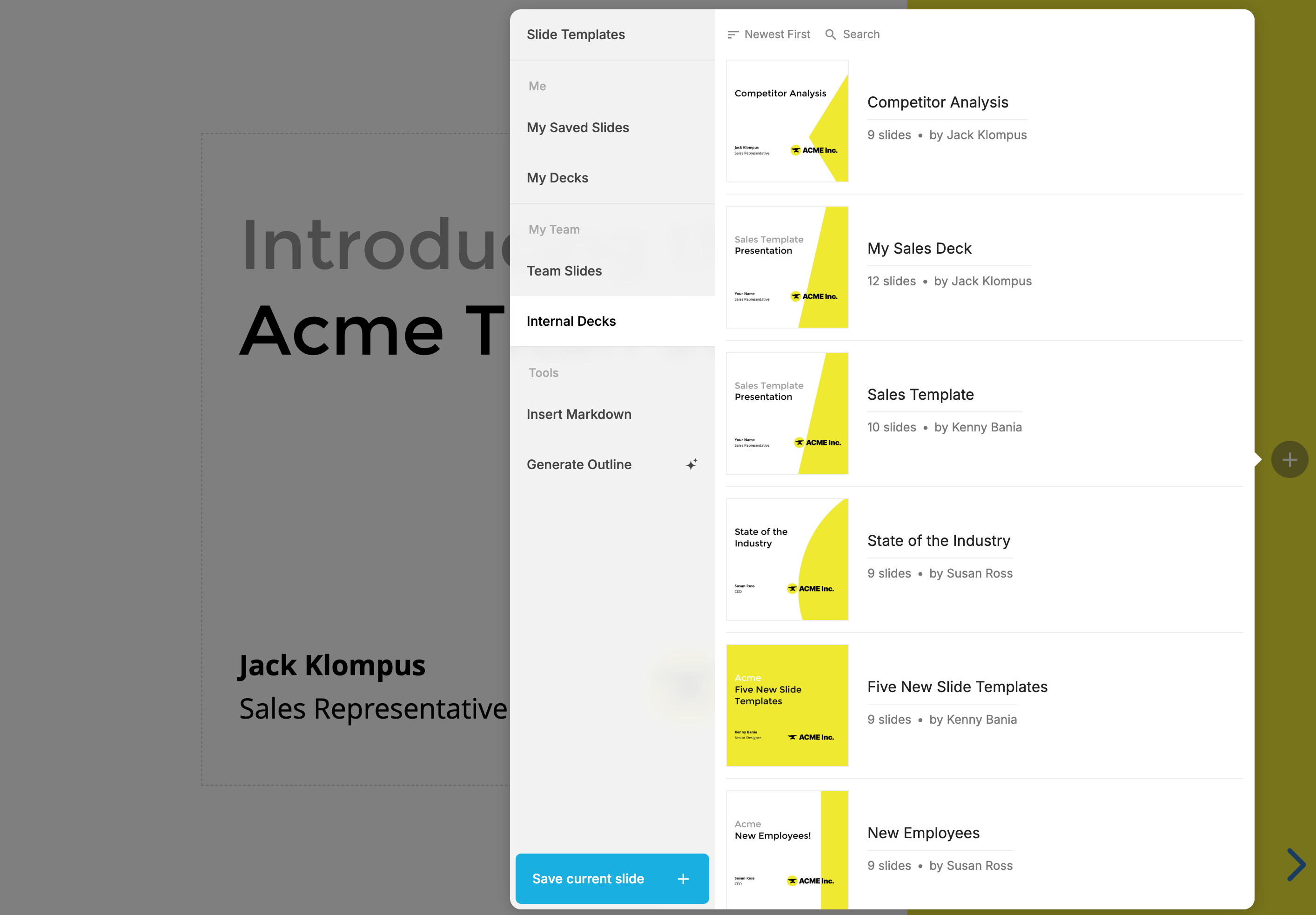
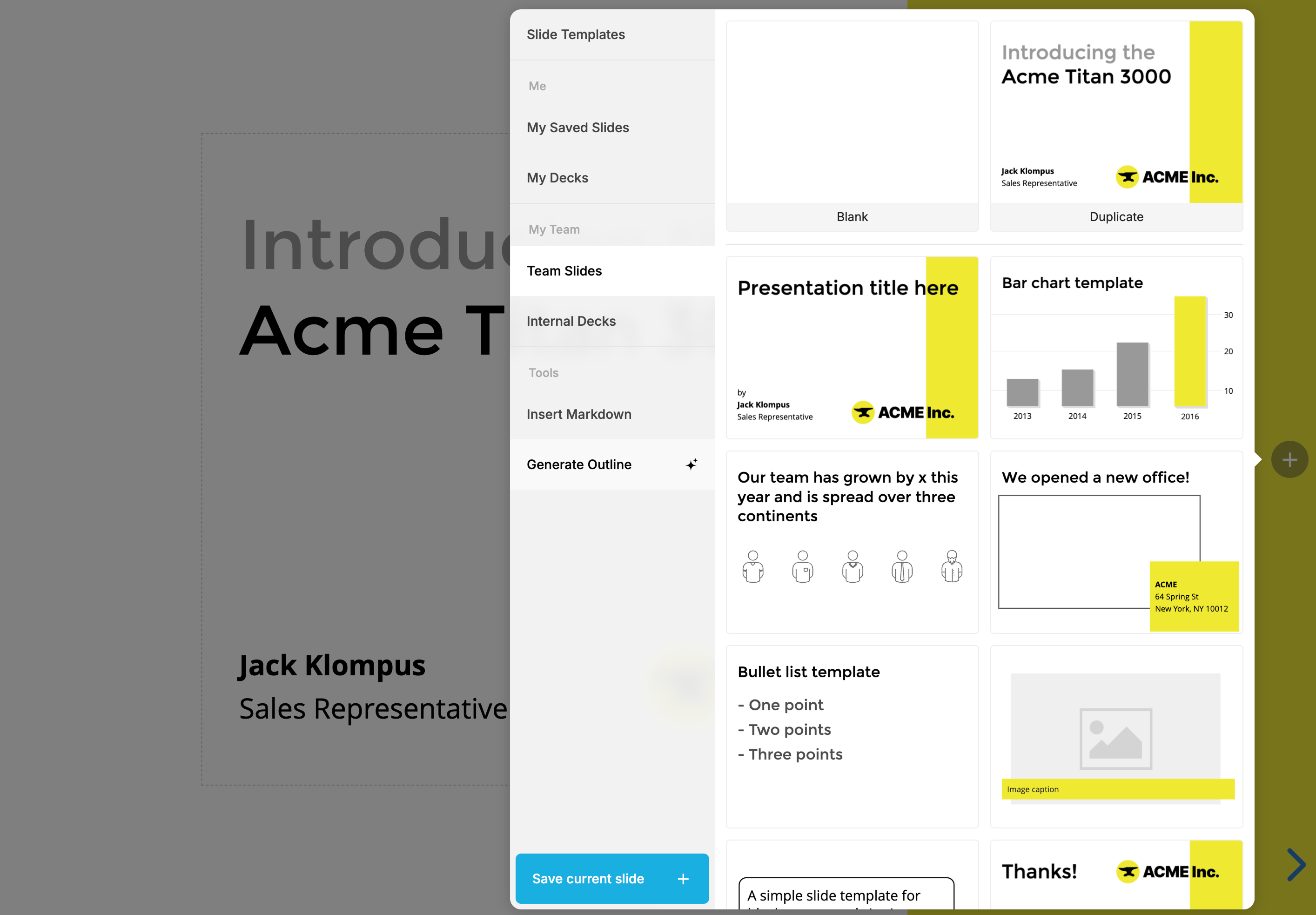
When you add a new slide, Slides opens the template picker so you can start from a ready-made layout instead of a blank slide. Templates are grouped into sections in the picker's sidebar.
Slide templates
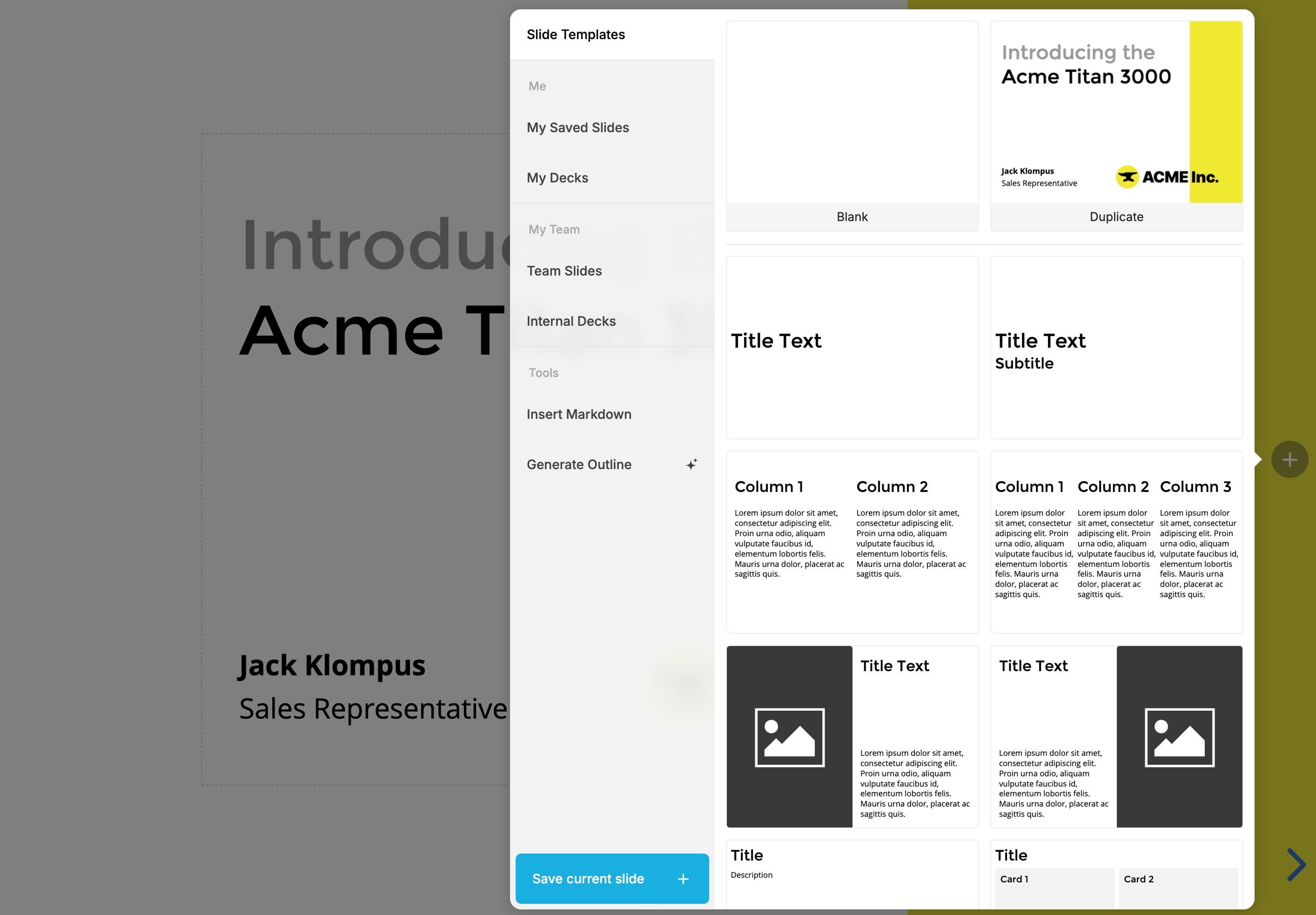
These templates are available to everyone and maintained by the Slides team.
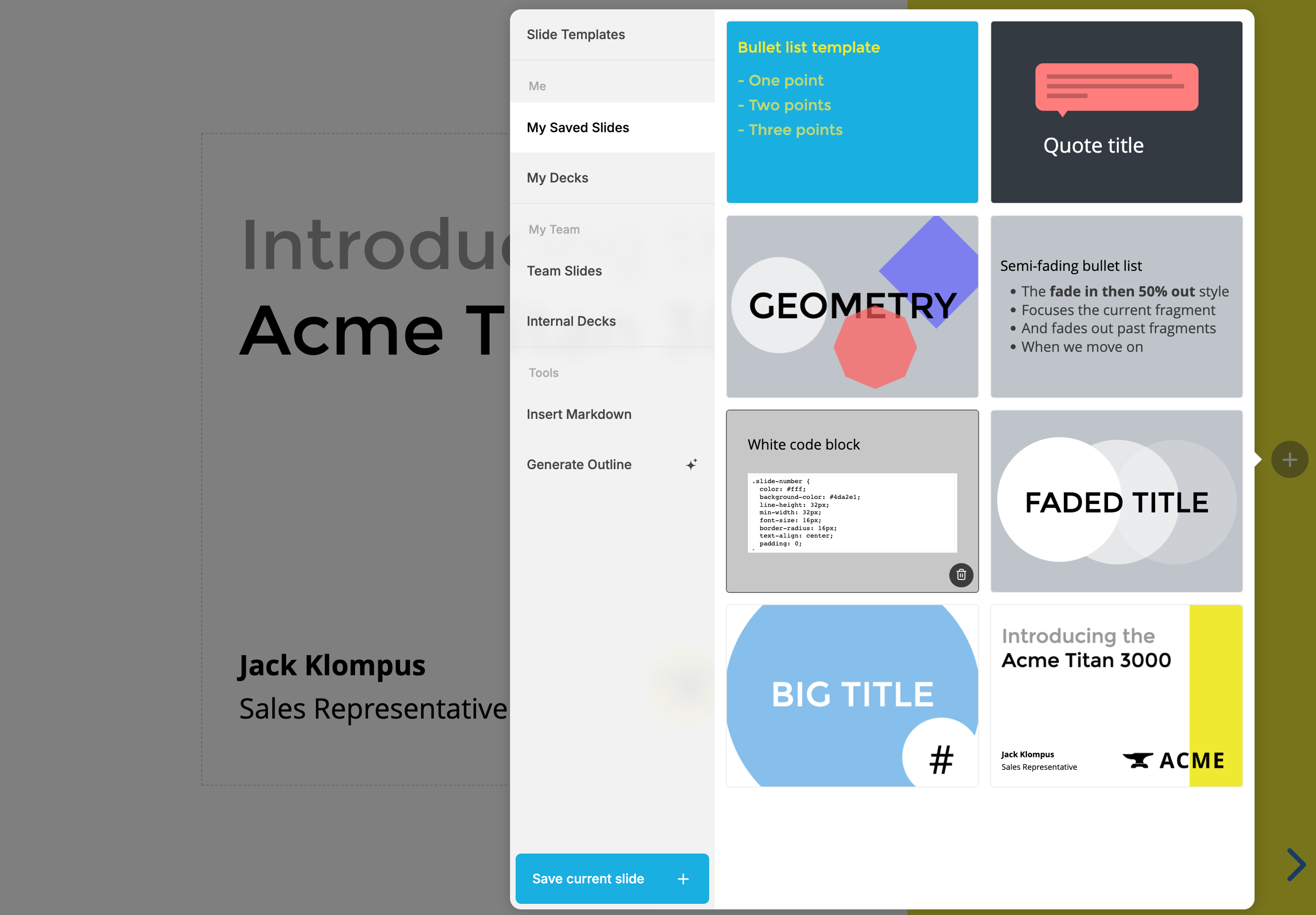
My saved slides
Your saved slides are templates that only you can access. To save a slide here, open the slide you want to reuse, open the template picker, and select Save current slide. To delete a saved slide, hover over it and select the trash icon.
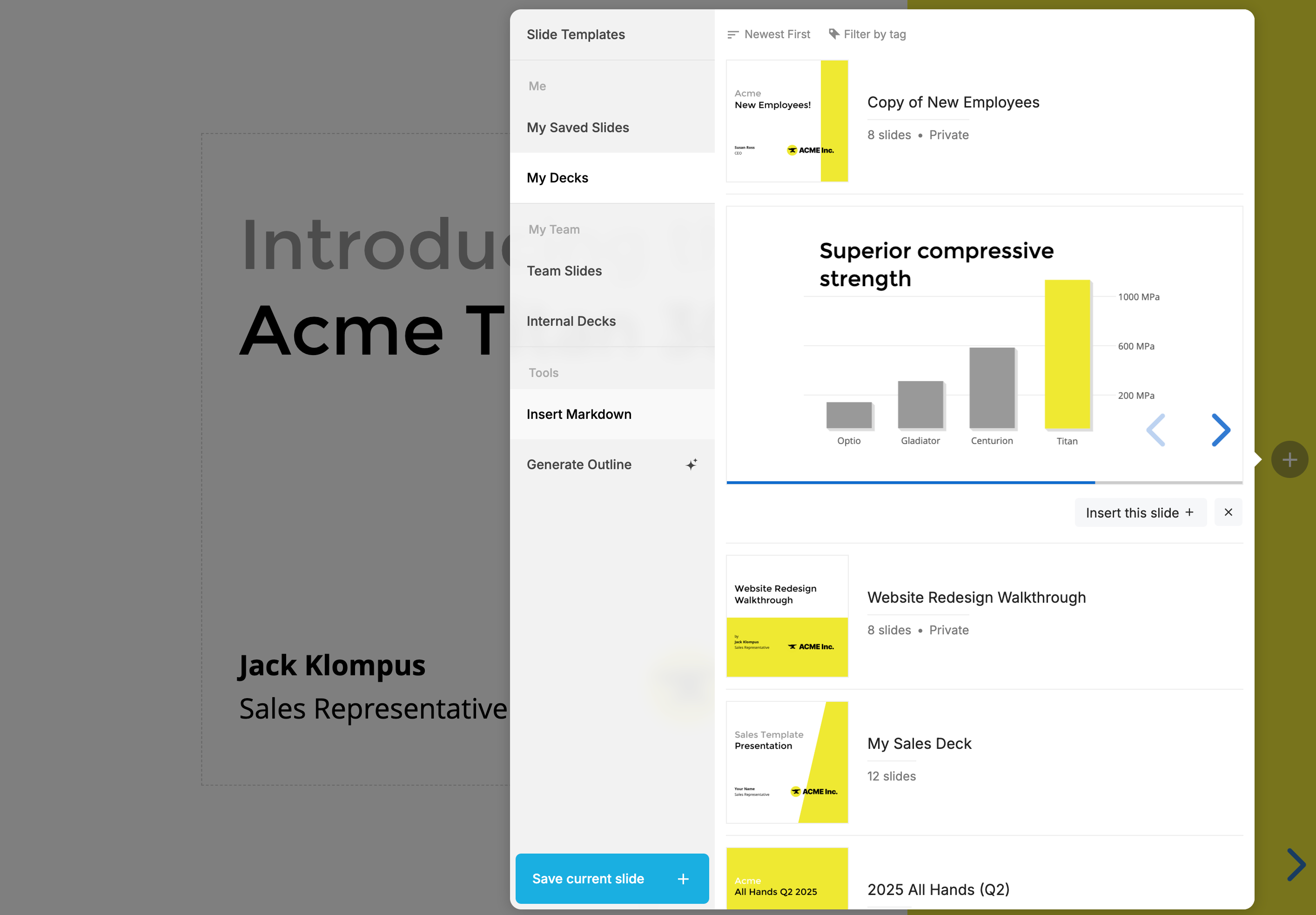
My decks
Browse and insert slides from any of your other decks. Select a deck to expand it, navigate to the slide you want, and select the insert slide button.
Team slides
If you're a member of a Slides team, you also have access to your team's shared slide templates. Team admins maintain these templates, and they're available to every team member.
Internal decks
Internal decks lets you insert slides from decks your teammates have shared with the team. You can search and sort the list to find the deck you need.