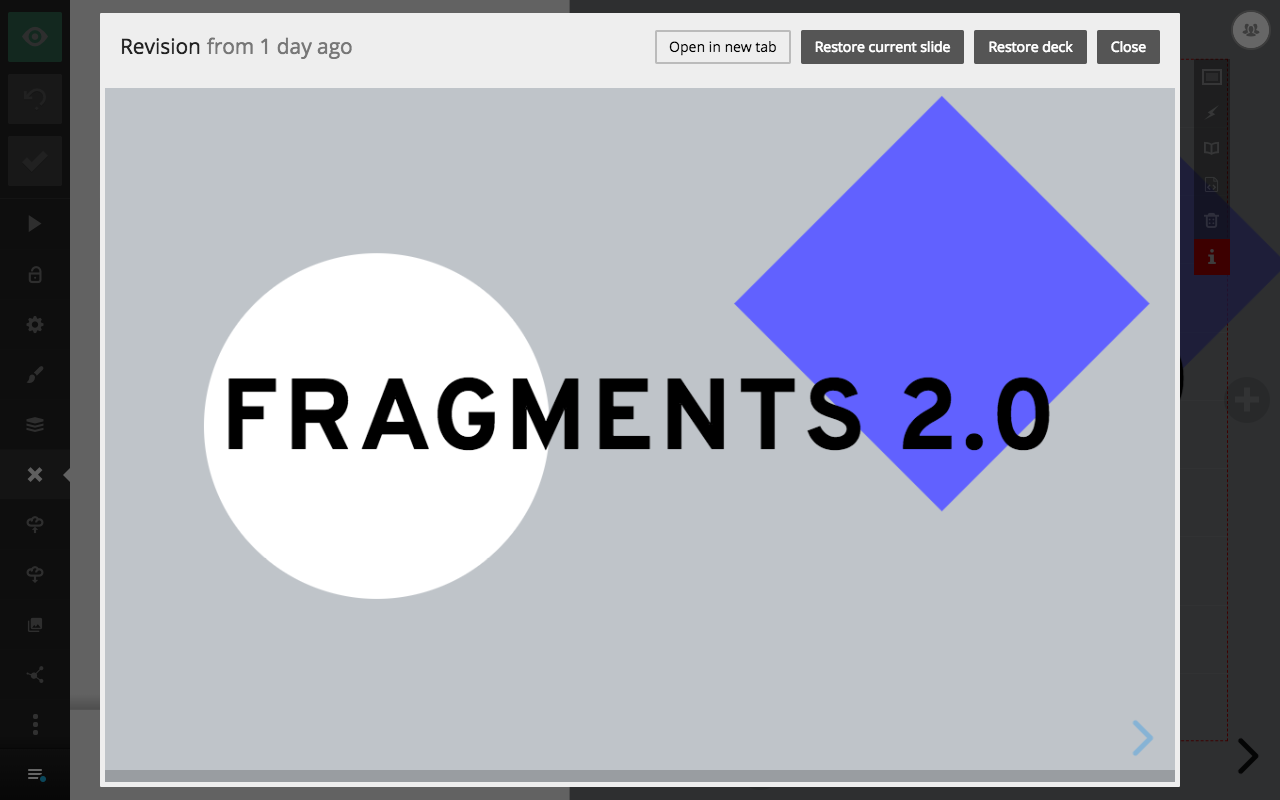
Revision history lets you preview and return to an earlier version of your deck, so you can experiment freely and recover from mistakes. Slides saves a new revision each time your deck is updated and keeps revisions for six months.
Browse revisions
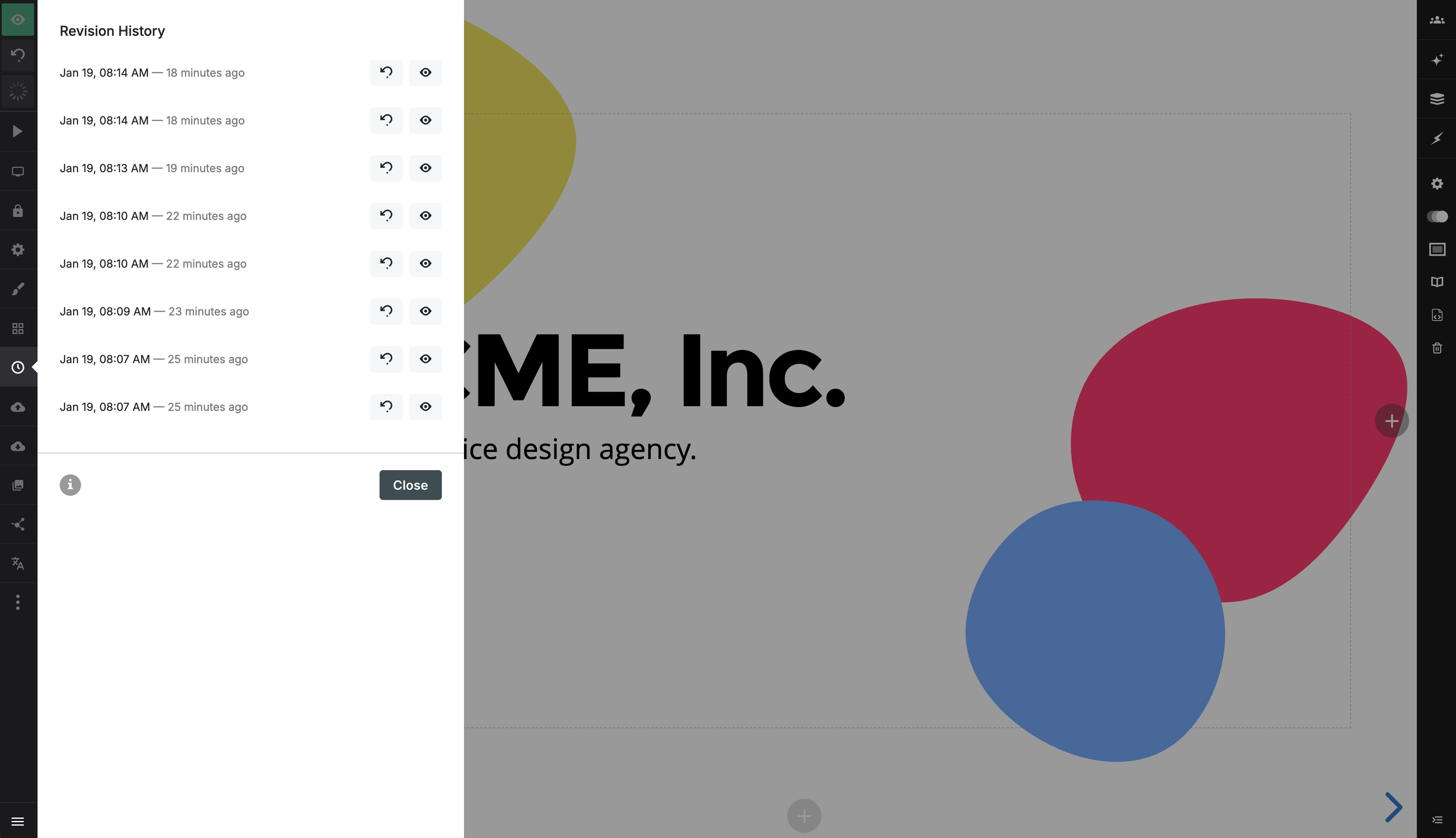
Open Revision history (the clock icon) in the editor sidebar to see the available revisions. Each revision has two actions:
- Preview opens the deck as it appeared at that point in time.
- Restore rolls the deck back to that revision. Newer revisions remain available in case you change your mind.
Restore a single slide
When previewing a revision, you can restore the entire presentation or only the slide currently in view.