Your speaker notes are private by default. Sharing them turns a deck into a self-guided presentation, which is useful for lectures, tutorials, and decks that people read on their own.
To share your notes with everyone who views the deck, turn on Share notes in the presentation settings. Your notes then appear in every presentation view and are included in HTML exports. PDF exports include them by default too.
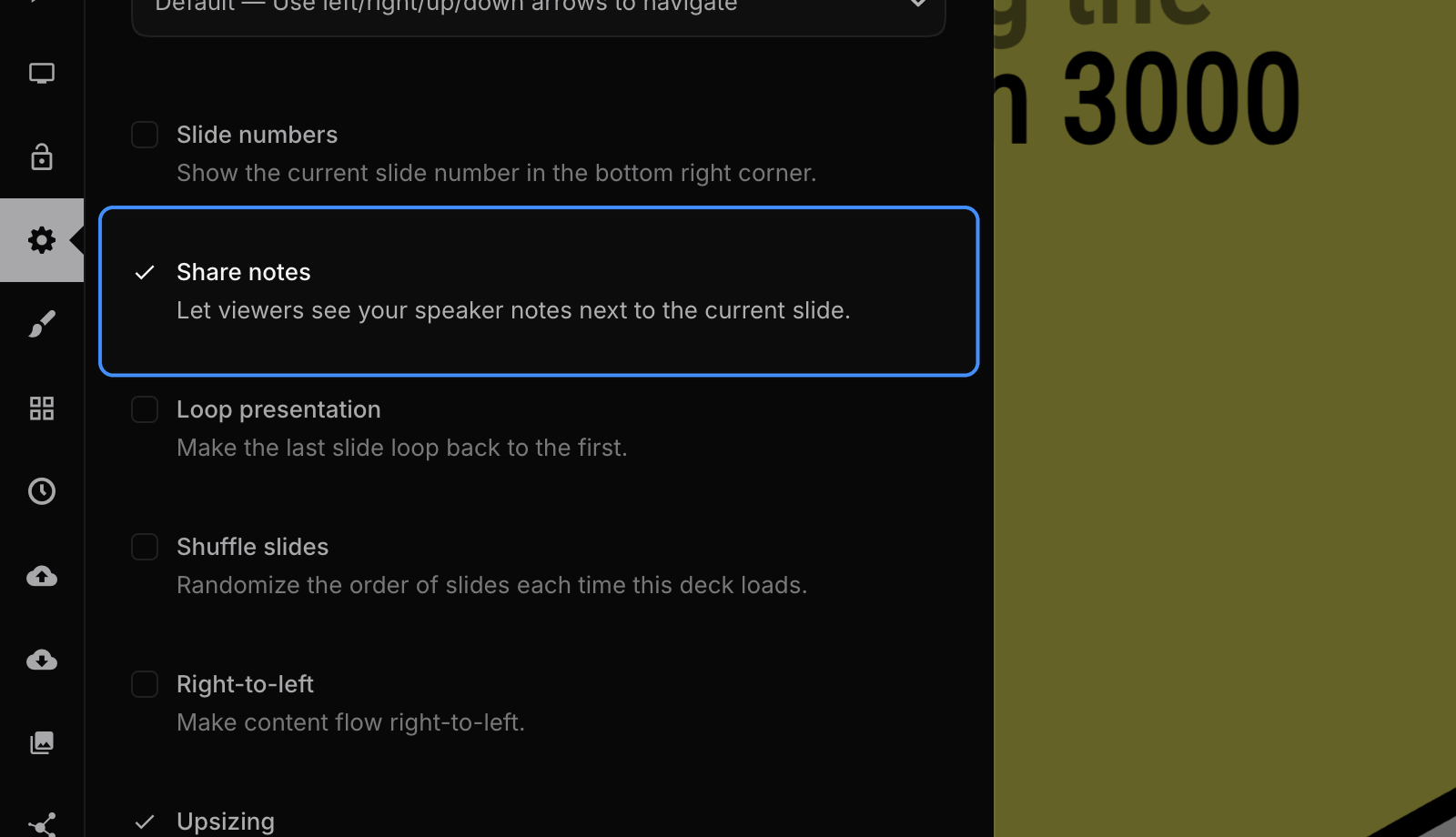
Shared speaker notes appear alongside the current slide. See an example presentation with shared notes enabled.