Speaker notes keep your talking points, reminders, and key figures close at hand without cluttering your slides. Notes are private, and each slide has its own. Add them from the deck editor.
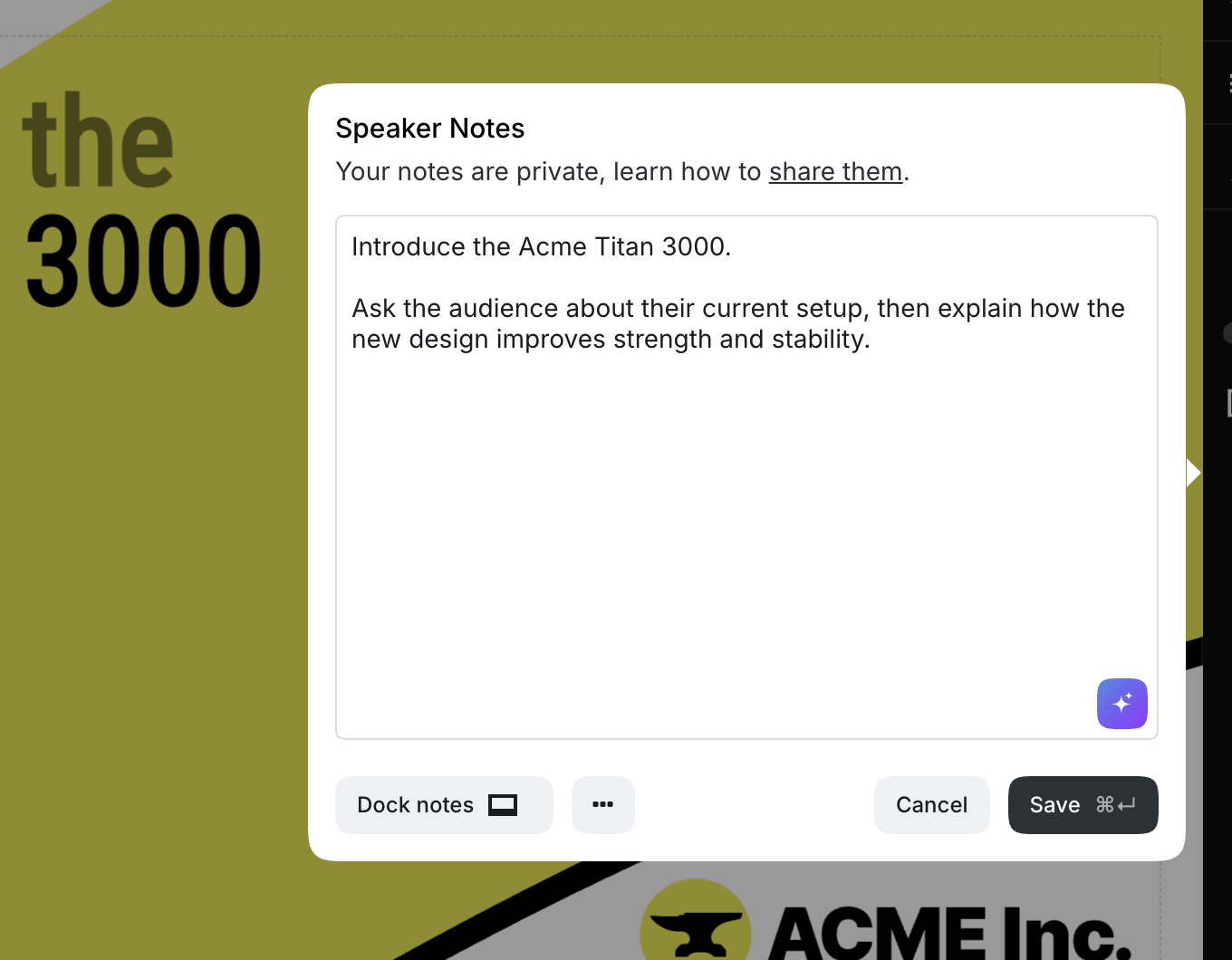
When you present, the notes for the current slide appear in the speaker view. You can also read them on a mobile device through the remote control.

You can also choose to share your speaker notes with everyone who views the deck.