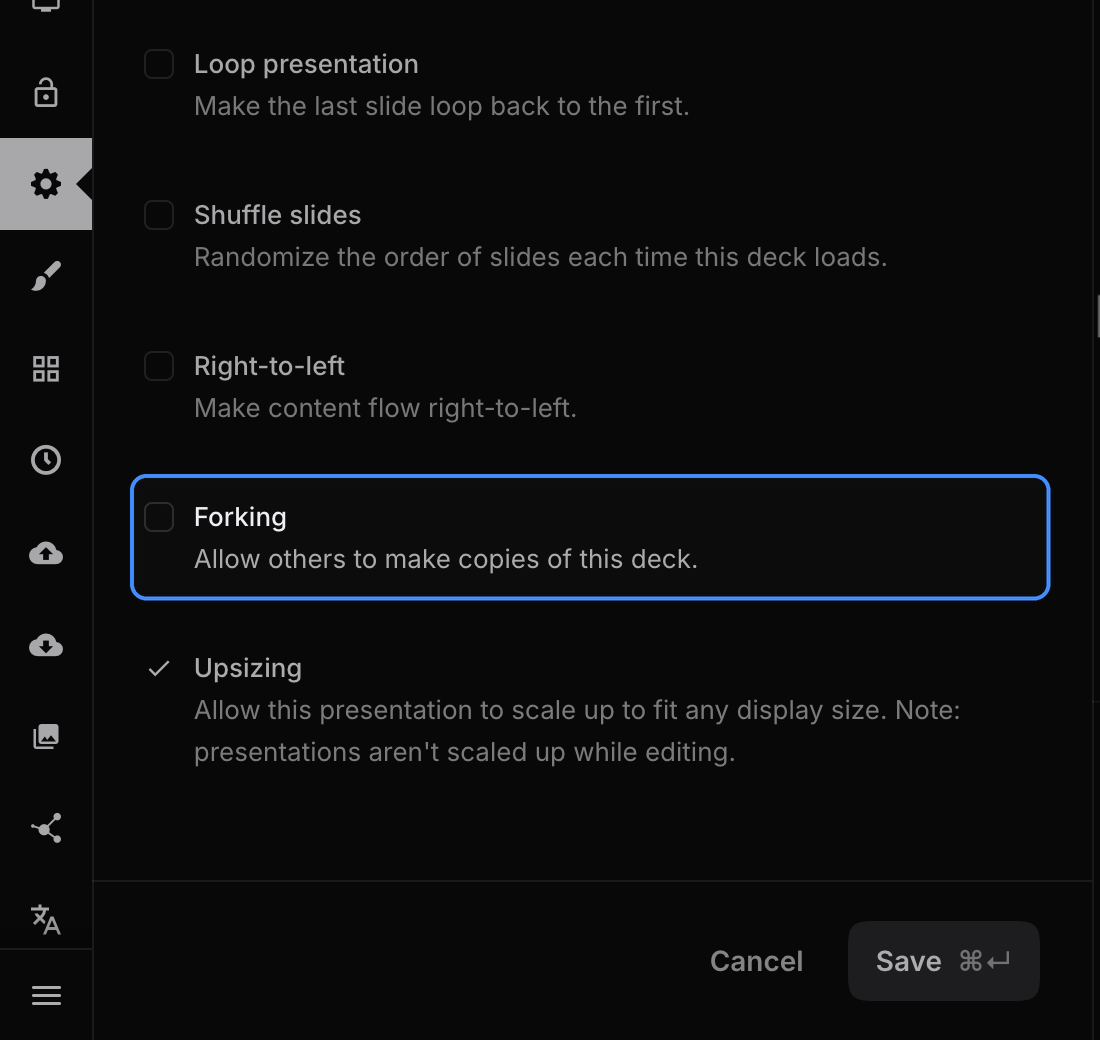
Public decks with copying enabled can be copied into your account and used as a starting point for a new presentation. The copy references the original deck and its author. You can also copy your own decks and decks shared within your team.
Making a copy
Sign in to Slides, open the presentation, and select Make a copy below the slides. You can also copy a deck from its card on a profile page.

Allowing others to copy a deck
For a public deck in your personal account, open Settings in the editor and scroll to Forking. Enable it to allow others to make copies, or disable it to stop offering that option.