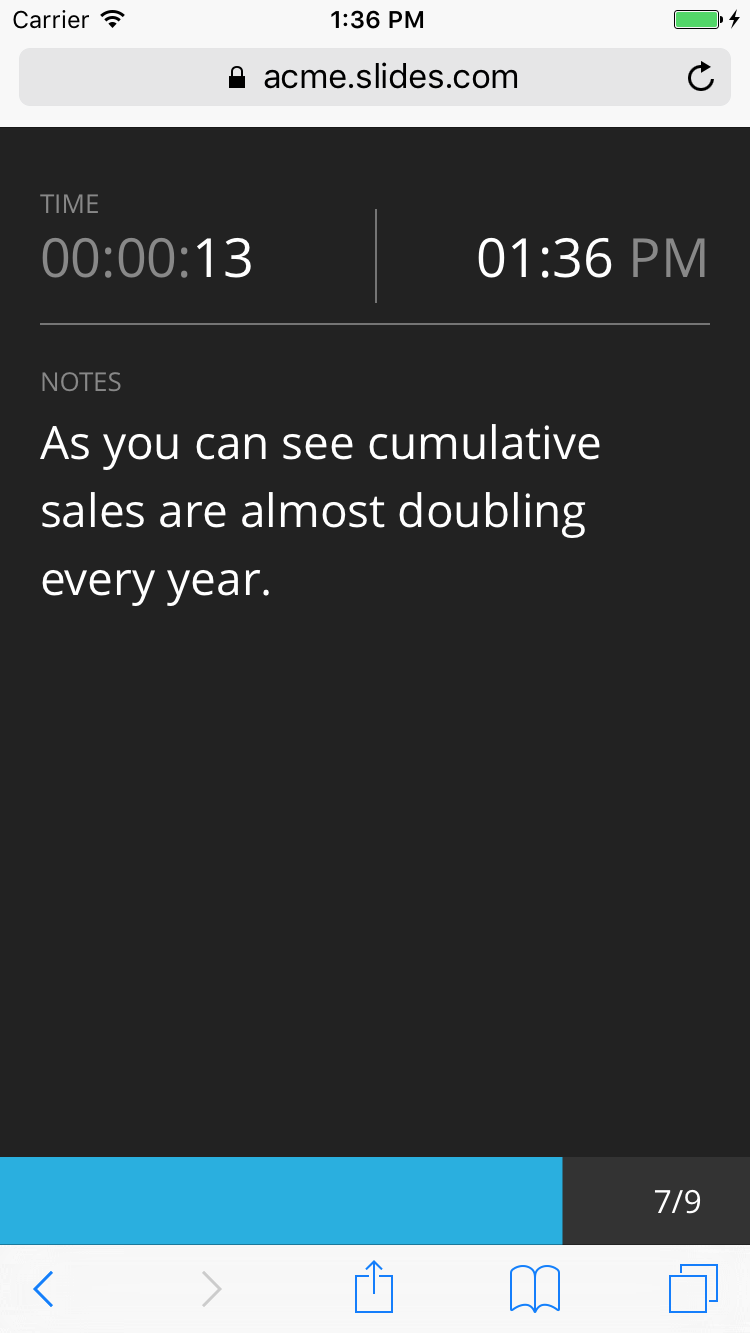
Control your presentation from your phone, tablet, or other touch-enabled device, so you can move freely around the room while you present. To get started, open the present view and send yourself a remote control link by SMS:
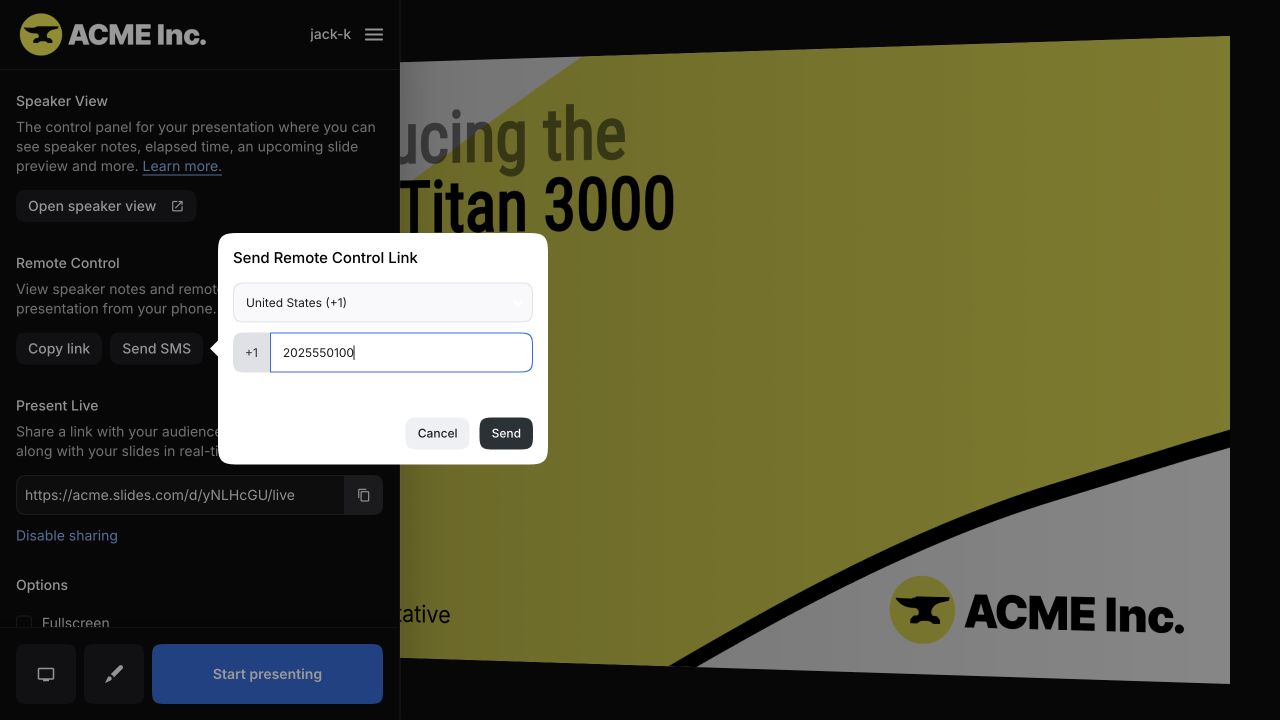
You can also open the remote control by signing in to Slides in your mobile browser and going to the speaker view URL: slides.com/<username>/<deck-name>/speaker.
The remote control responds to these touch gestures:
- Tap: Go to the next slide.
- Swipe left, right, up, or down: Navigate between horizontal and vertical slides.
The remote control also shows the elapsed and current time, your speaker notes, a presentation progress bar, and the number of people watching a live presentation.