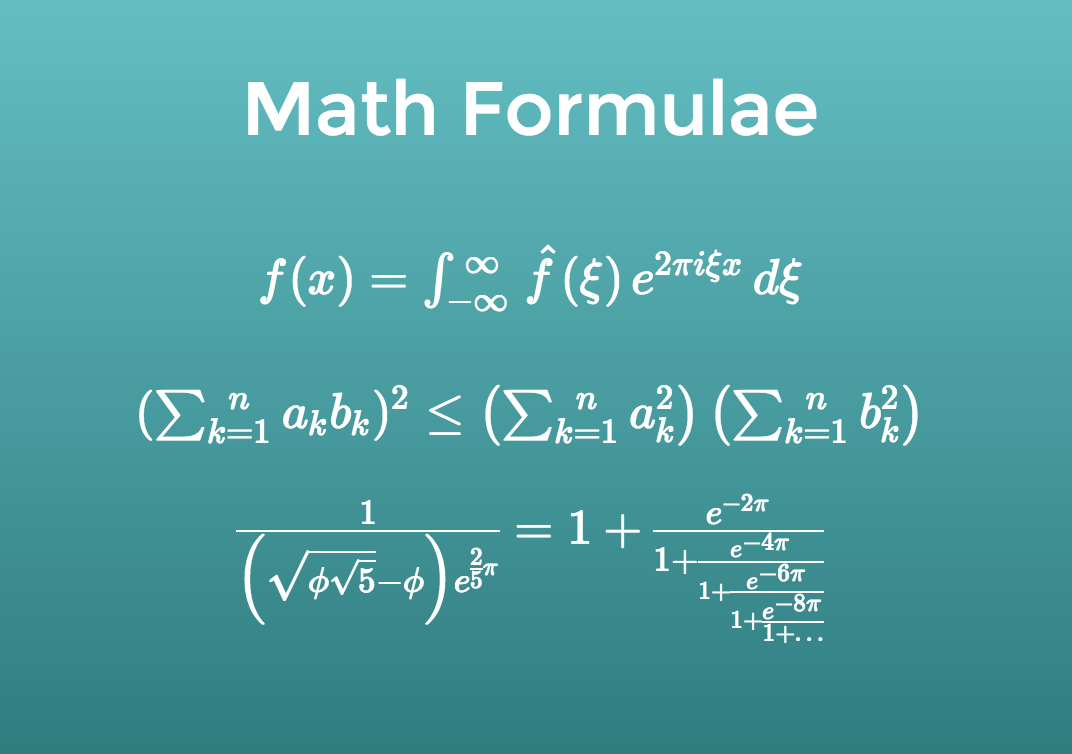
Use the Math block to display mathematical formulas in your presentation. It accepts TeX input and renders the result in real time.
Try it with this sample formula:
f(x) = \int_{-\infty}^\infty
\hat f(\xi)\,e^{2 \pi i \xi x}\,d\xi
KaTeX
Math typesetting is powered by the open-source KaTeX project. See the KaTeX documentation for a complete list of supported TeX functions.
Math in text blocks
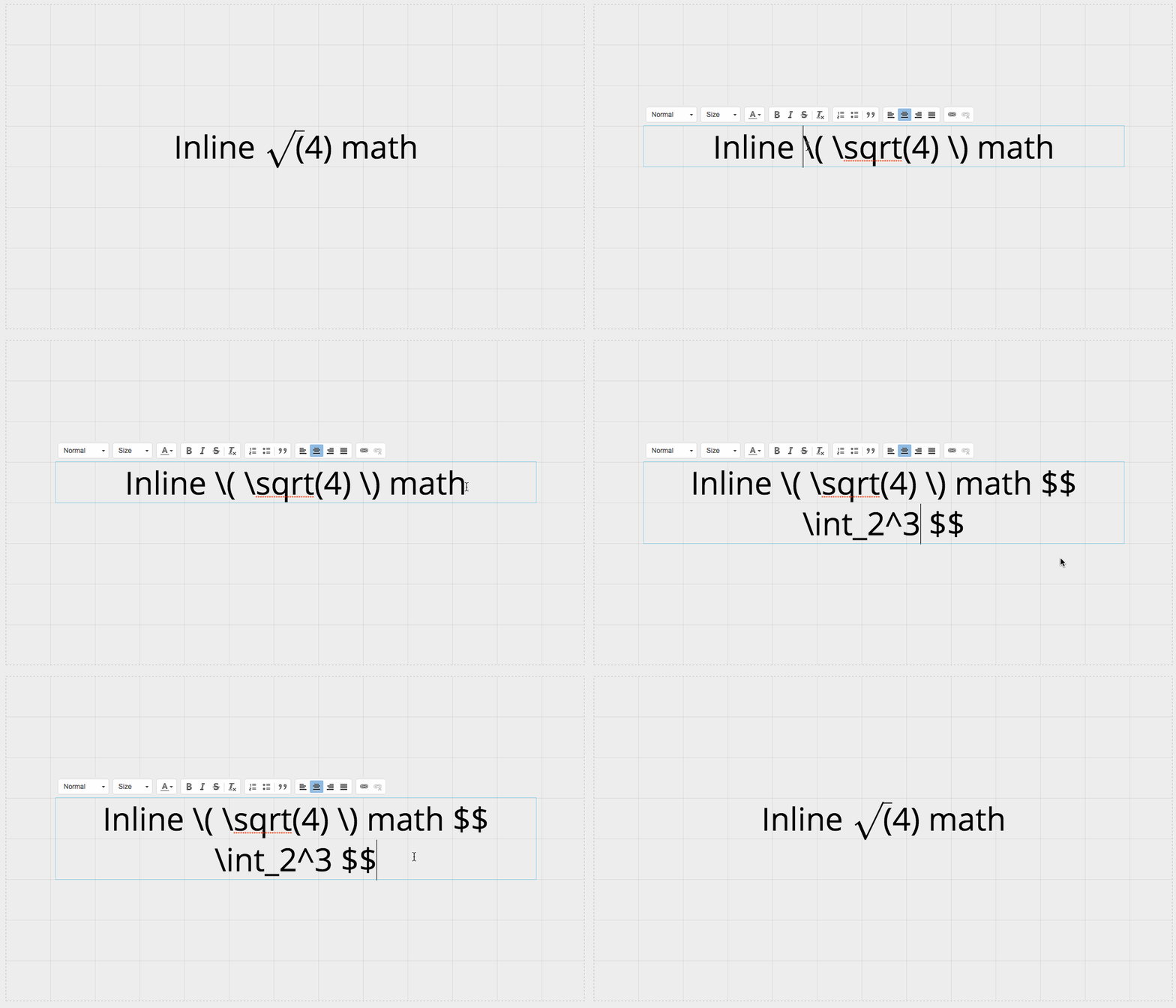
You can also include math in a text block by wrapping the formula in one of these delimiters:
-
\( ... \)displays the formula inline with the surrounding text. -
\[ ... \]or$$ ... $$displays the formula on its own line.