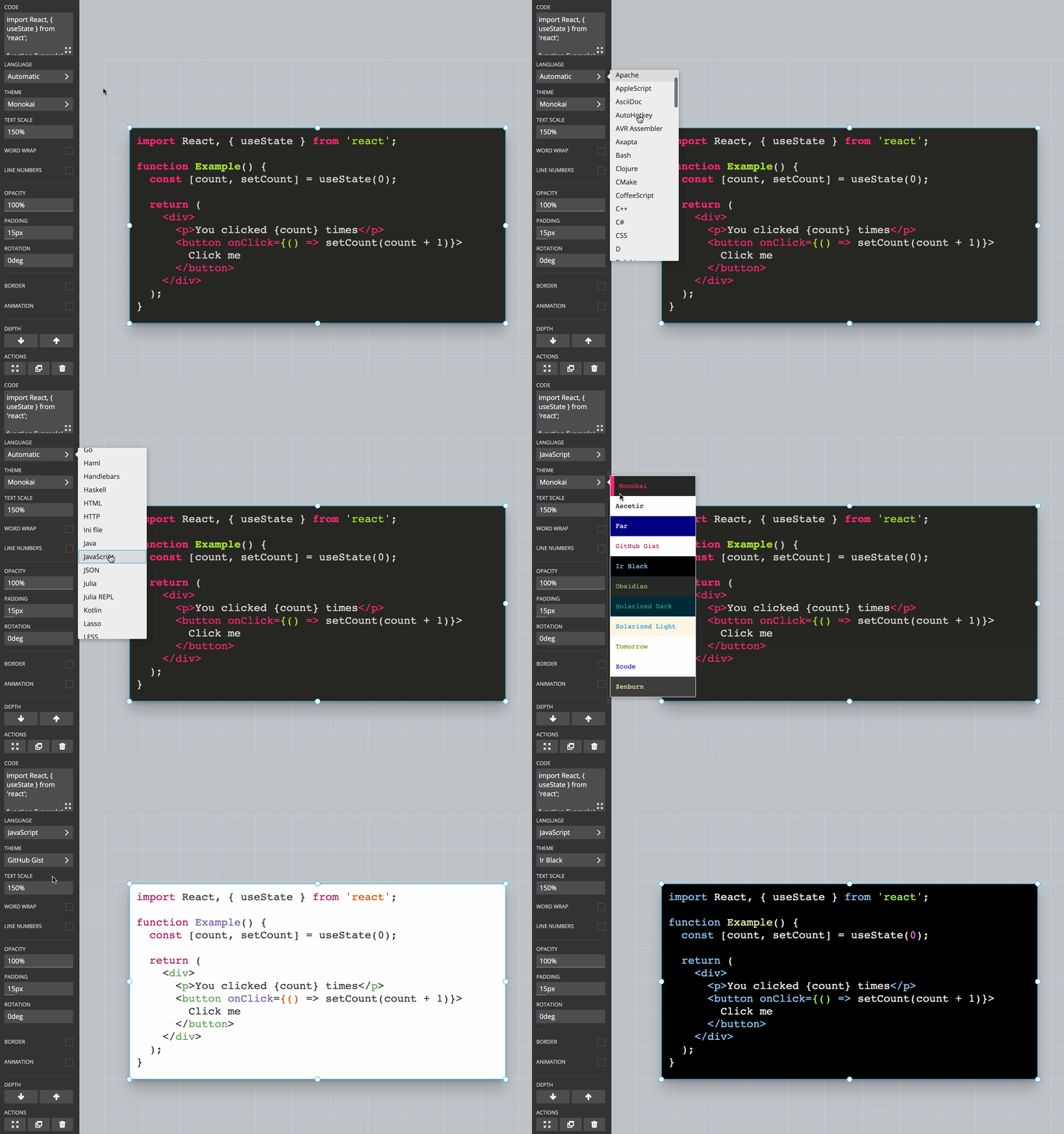
Use the Code block to display syntax-highlighted code in a presentation. Select a language and theme, then type or paste your code. Highlighting updates in real time.
Line numbers and line highlights
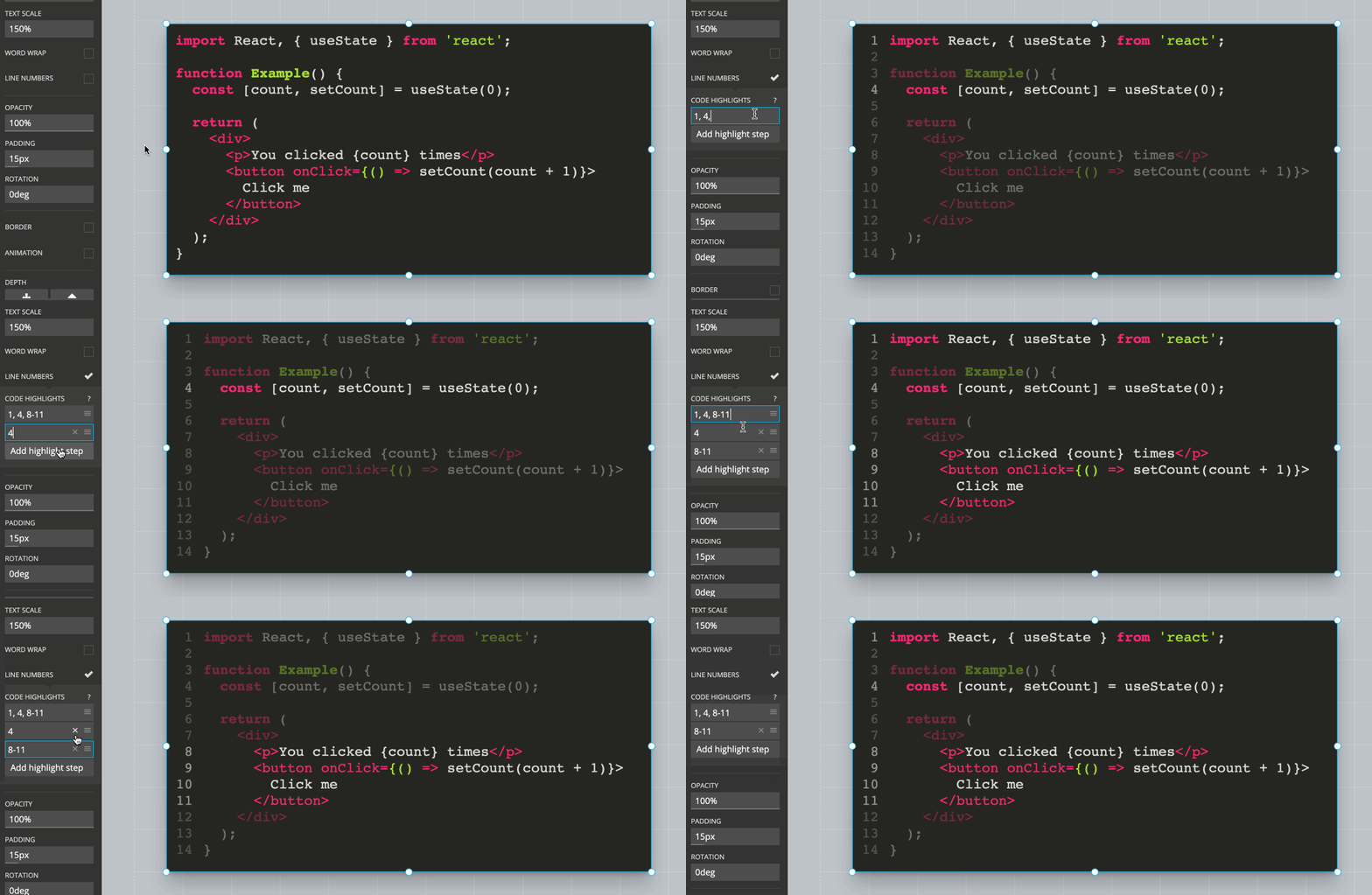
Turn line numbers on or off in the block toolbar. To draw attention to specific lines, enter a comma-separated list of line numbers or ranges. For example:
-
1,4,10highlights lines 1, 4, and 10. -
2,5-15highlights line 2 and lines 5 through 15.
Supported languages
Syntax highlighting is powered by the open-source highlight.js project. Slides supports the languages listed in the highlight.js demo.