• Presentations
  • Templates
  • Features
  • Teams
  • Docs
  • Pricing
  • Log in
  • Sign up
  • Log in
  • Sign up

Docs

  • Getting started
  • Content & media
  • Design & themes
  • Slides & animation
  • AI
  • Presenting
  • Sharing & collaboration
  • Import & export
  • Presentation settings
  • Account & billing
    • Account settings
    • Change email address
    • Change password
    • Change profile picture
    • Billing details
    • Downgrading your account
    • Private decks after downgrading
    • Download personal data
    • Delete account
  • Teams
  • Developer tools

API

  • REST API
  • MCP Server
  • Define API
Docs / Account & billing / Private decks after downgrading

What happens to private decks after a downgrade

Private decks remain private after you downgrade from Pro to a Free account, but you cannot present or edit them. To resume working on a private deck, upgrade your account again or make the deck public.
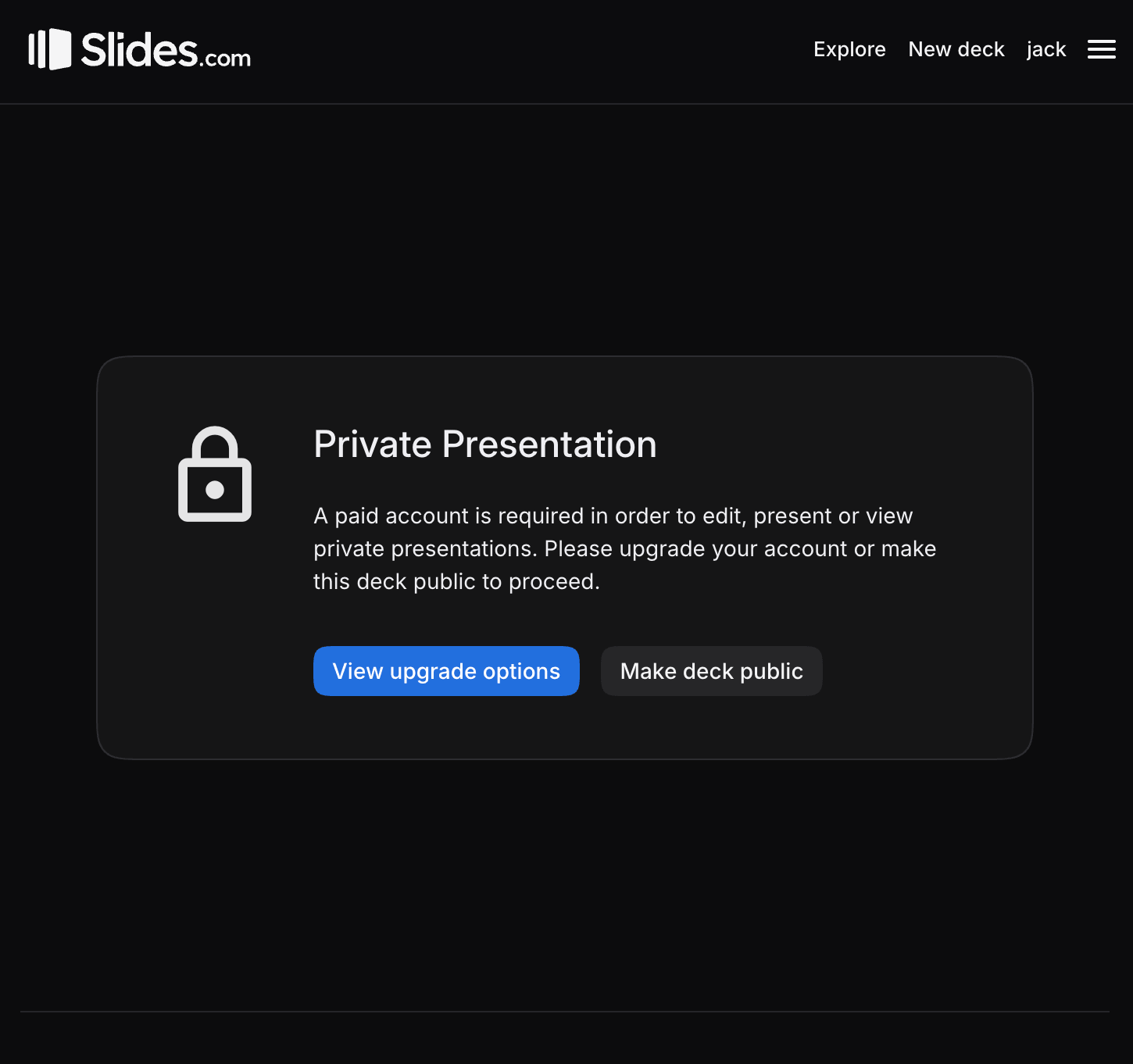
Private presentation notice with options to upgrade or make the deck public

Previous Cancel a Lite, Pro, or Team subscription Next Export the data Slides stores about you

Tour

Presentations Trending decks Templates Features Pricing Slides for teams Slides for developers

Help

Documentation Developer docs REST API MCP Server Define API Leave feedback Report an issue Forum

Company

News Changelog About Slides.com Security Partners

Resources

Make slides with AI Embed Google Maps Embed Google Forms Embed YouTube PDF to Slides PPT to Slides Markdown to Slides
Terms Privacy © 2026 Slides, Inc.