• Presentations
  • Templates
  • Features
  • Teams
  • Docs
  • Pricing
  • Log in
  • Sign up
  • Log in
  • Sign up

Docs

  • Getting started
  • Content & media
  • Design & themes
  • Slides & animation
  • AI
  • Presenting
  • Sharing & collaboration
  • Import & export
  • Presentation settings
  • Account & billing
    • Account settings
    • Change email address
    • Change password
    • Change profile picture
    • Billing details
    • Downgrading your account
    • Private decks after downgrading
    • Download personal data
    • Delete account
  • Teams
  • Developer tools

API

  • REST API
  • MCP Server
  • Define API
Docs / Account & billing / Account settings

Update your username, email, and profile

The account settings page lets you update personal information including your username, email address, password, profile description, website, and social handle. Open it by hovering over your name in the site header and selecting Settings.
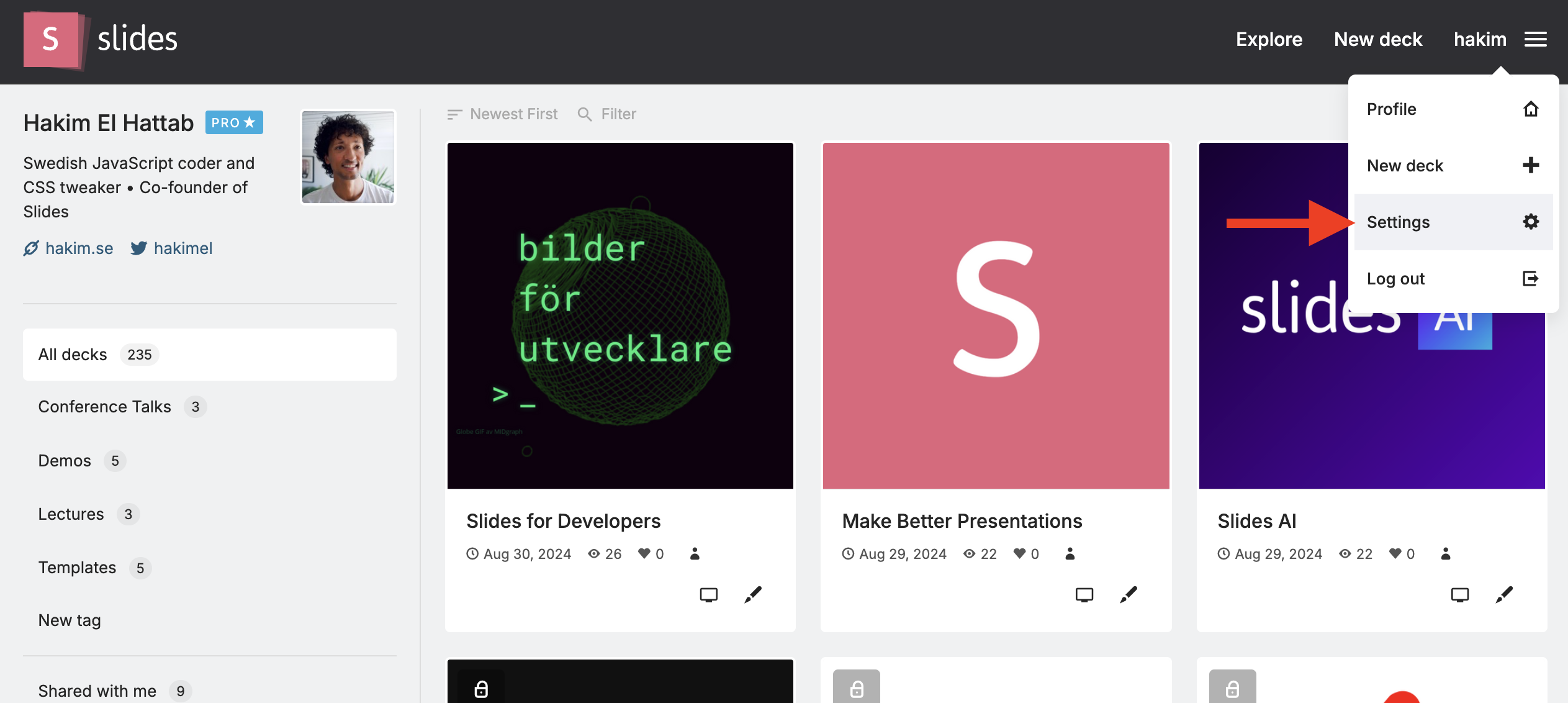
Settings option in the account menu

Next Switch to a different email address

Tour

Presentations Trending decks Templates Features Pricing Slides for teams Slides for developers

Help

Documentation Developer docs REST API MCP Server Define API Leave feedback Report an issue Forum

Company

News Changelog About Slides.com Security Partners

Resources

Make slides with AI Embed Google Maps Embed Google Forms Embed YouTube PDF to Slides PPT to Slides Markdown to Slides
Terms Privacy © 2026 Slides, Inc.