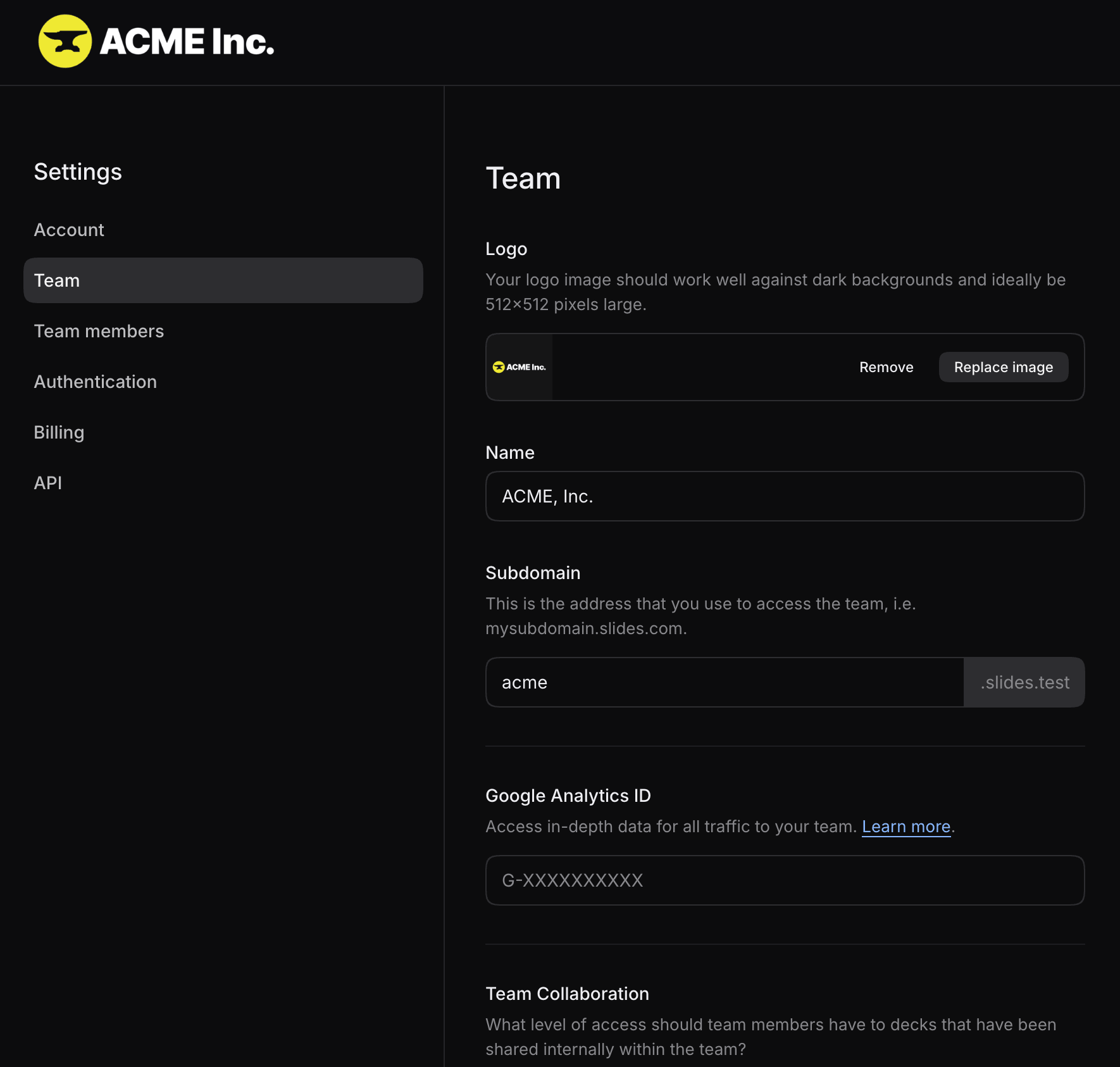
Team owners and admins can use the team settings page to manage the following options.
Logo
Upload a logo to brand your team's Slides subdomain. The logo appears in places such as the site header and sign-in pages, always against a dark background.
Name
The team name appears in messages throughout Slides and on your invoices. If you haven't uploaded a logo, the name is also shown in the header.
Subdomain
Your team's subdomain determines its Slides address. For example, the subdomain acme creates the address https://acme.slides.com. Changing the subdomain breaks existing links to the old address.