• Presentations
  • Templates
  • Features
  • Teams
  • Docs
  • Pricing
  • Log in
  • Sign up
  • Log in
  • Sign up

Docs

  • Getting started
  • Content & media
  • Design & themes
  • Slides & animation
  • AI
  • Presenting
  • Sharing & collaboration
  • Import & export
  • Presentation settings
  • Account & billing
  • Teams
    • Team overview
    • Team home page
    • Team settings
    • Team members
    • Team billing
    • Team media
    • Single sign-on (SSO)
  • Developer tools

API

  • REST API
  • MCP Server
  • Define API
Docs / Teams / Team media

Share logos and brand assets

Everyone on Slides has a personal media library. Team members also have access to a shared media library that everyone can use but only team administrators can edit. Use it to keep common assets such as logos and brand imagery in one place.

Open the Team media tab in the media library to access it.
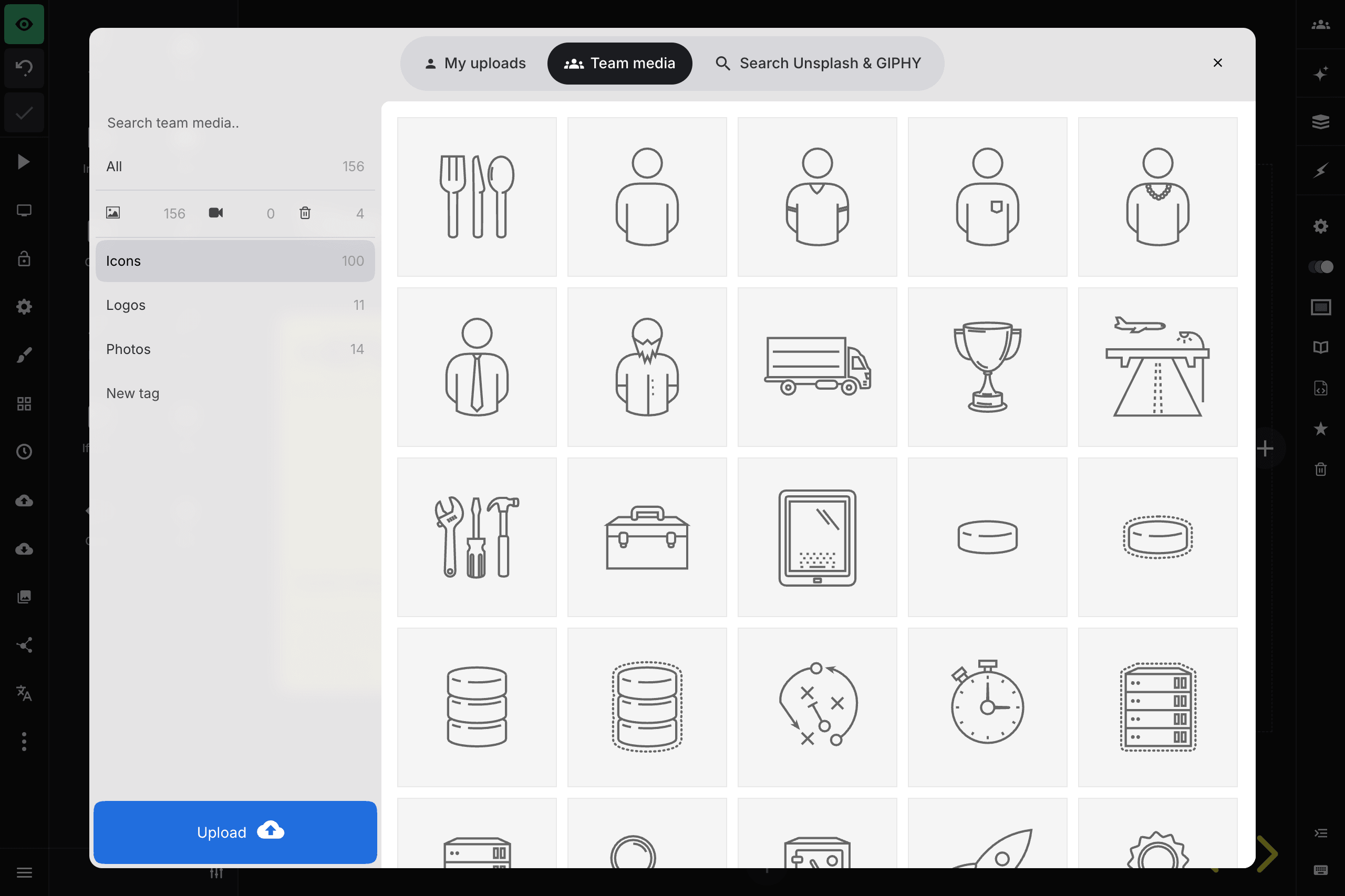
Shared team media library

Previous Manage the team subscription and receipts Next Connect Google sign-in or an OIDC provider

Tour

Presentations Trending decks Templates Features Pricing Slides for teams Slides for developers

Help

Documentation Developer docs REST API MCP Server Define API Leave feedback Report an issue Forum

Company

News Changelog About Slides.com Security Partners

Resources

Make slides with AI Embed Google Maps Embed Google Forms Embed YouTube PDF to Slides PPT to Slides Markdown to Slides
Terms Privacy © 2026 Slides, Inc.