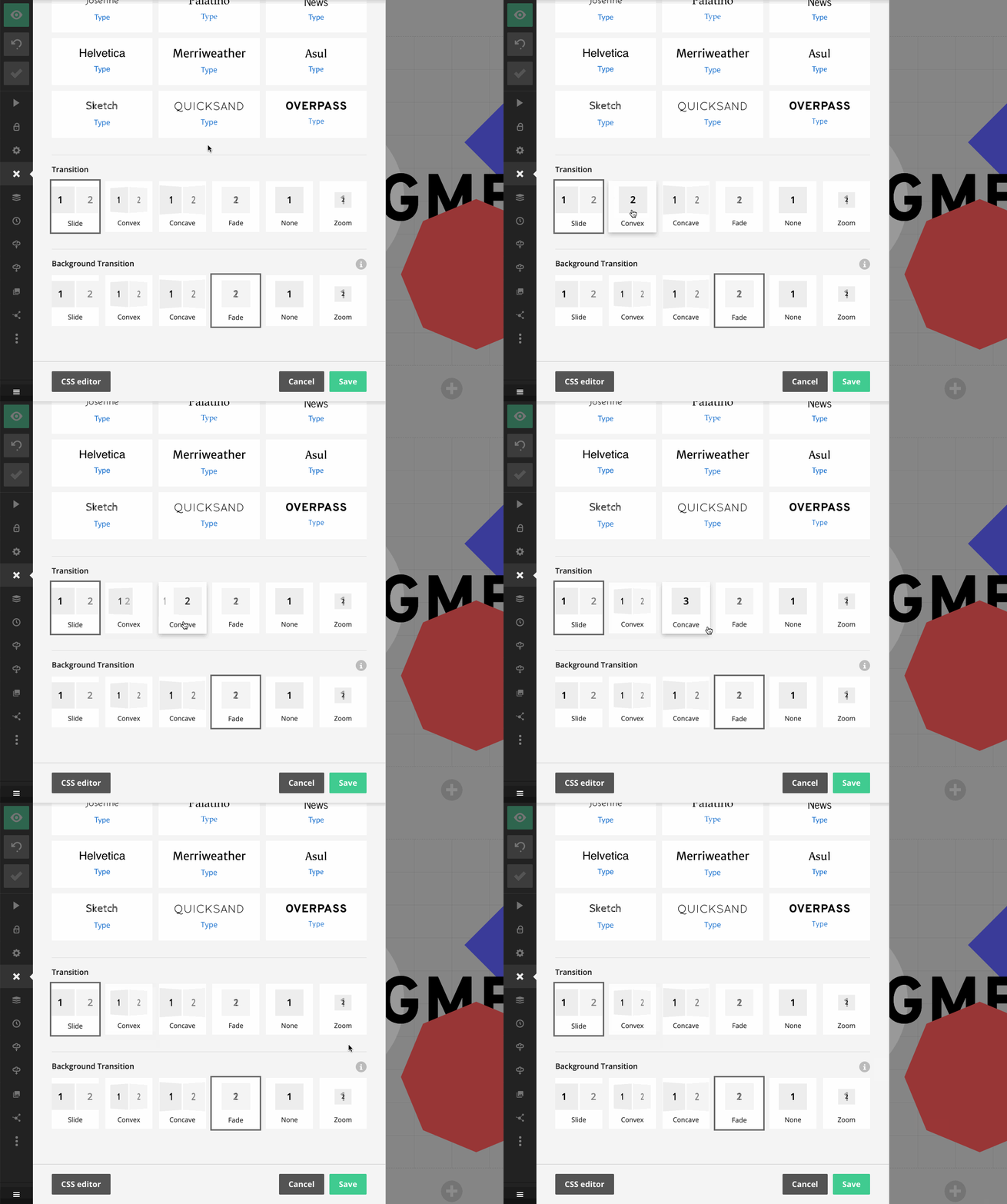
Transitions control how slides move in and out of view as you step through a deck. Slides uses a sliding transition by default, but you can switch to a more distinctive style or remove the transition animation altogether.
For animated movement between matching content blocks on consecutive slides, use Auto-animate. To reveal blocks one at a time within a slide, use fragments.
To change the transitions for the whole deck, select Style in the editor's left sidebar. Choose a Transition for the slides and a Background Transition for slide backgrounds. Hover over a transition thumbnail to preview it.
Per-slide transition
You can override these transitions for an individual slide in slide settings.