



















Luciano Mammino PRO
Cloud developer, entrepreneur, fighter, butterfly maker! #nodejs #javascript - Author of https://www.nodejsdesignpatterns.com , Founder of https://fullstackbulletin.com
Luciano Mammino (@loige)
AWS UG Roma
2026-02-18
Theory
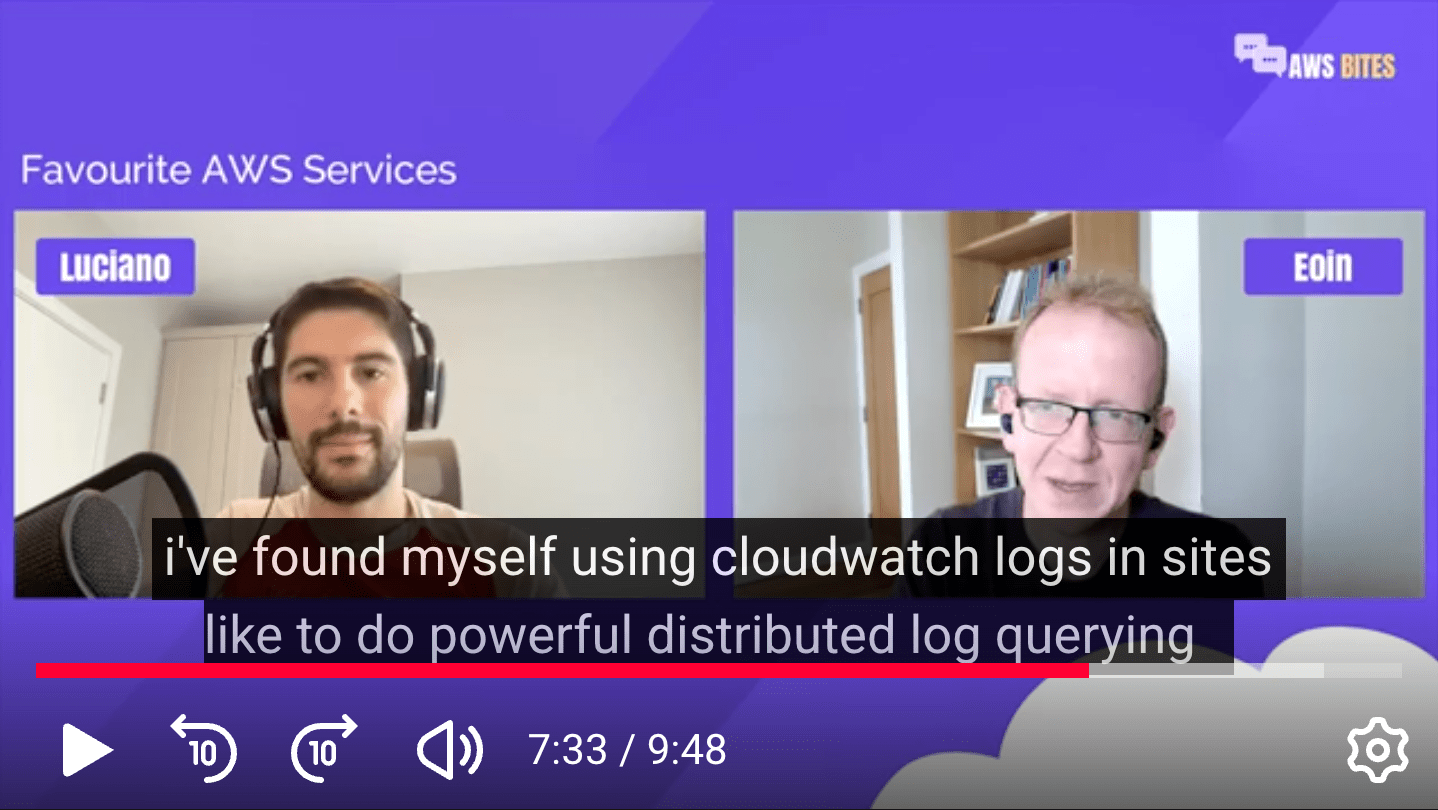
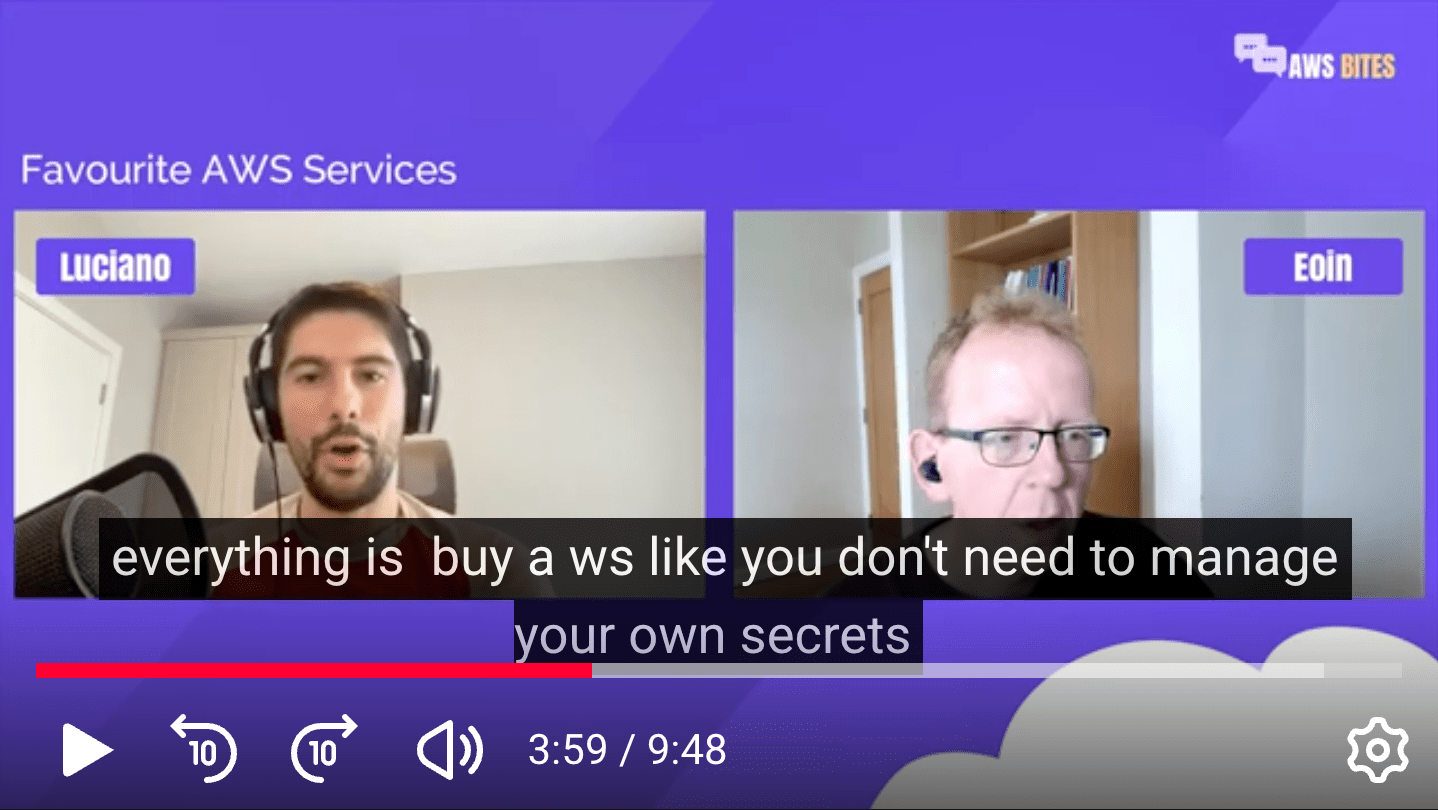
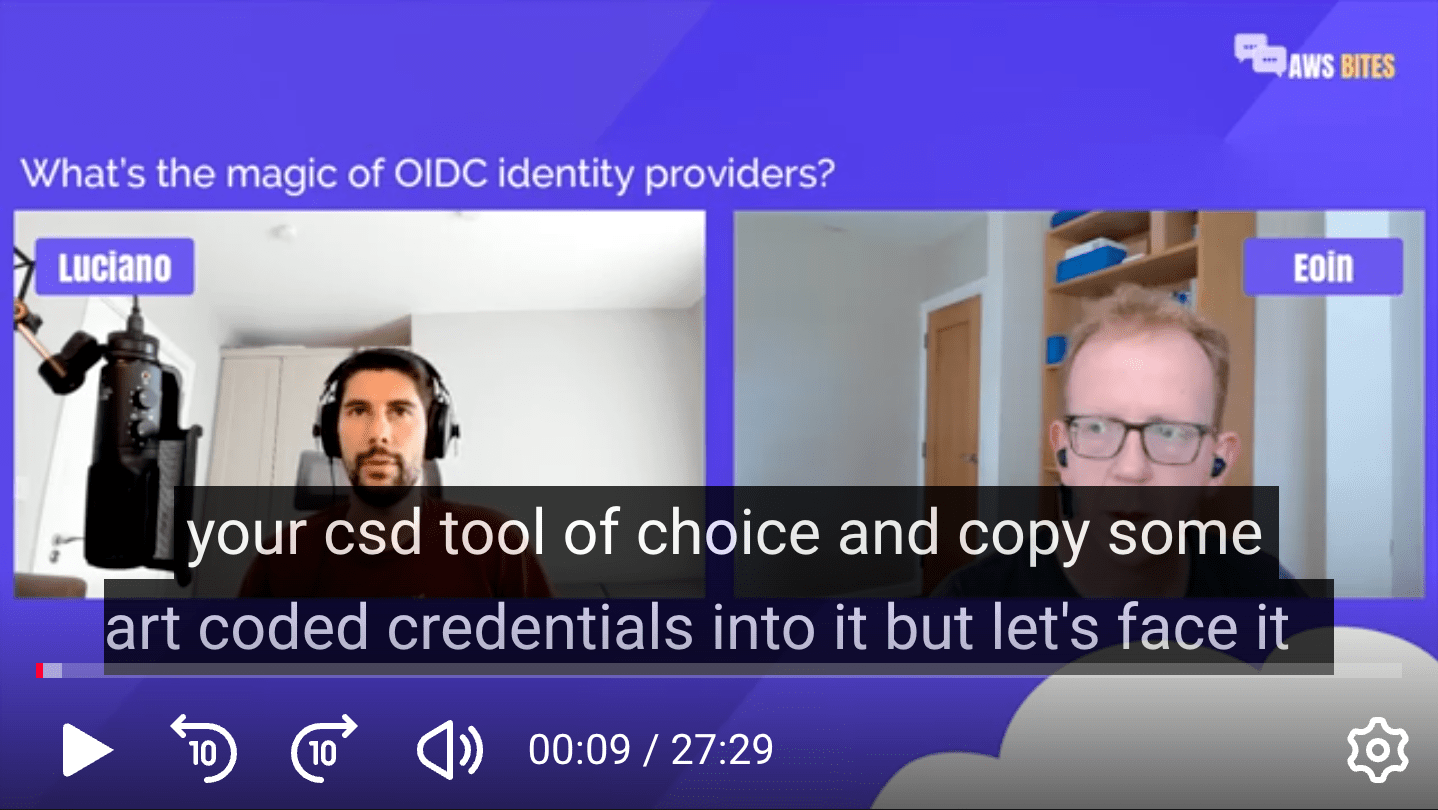
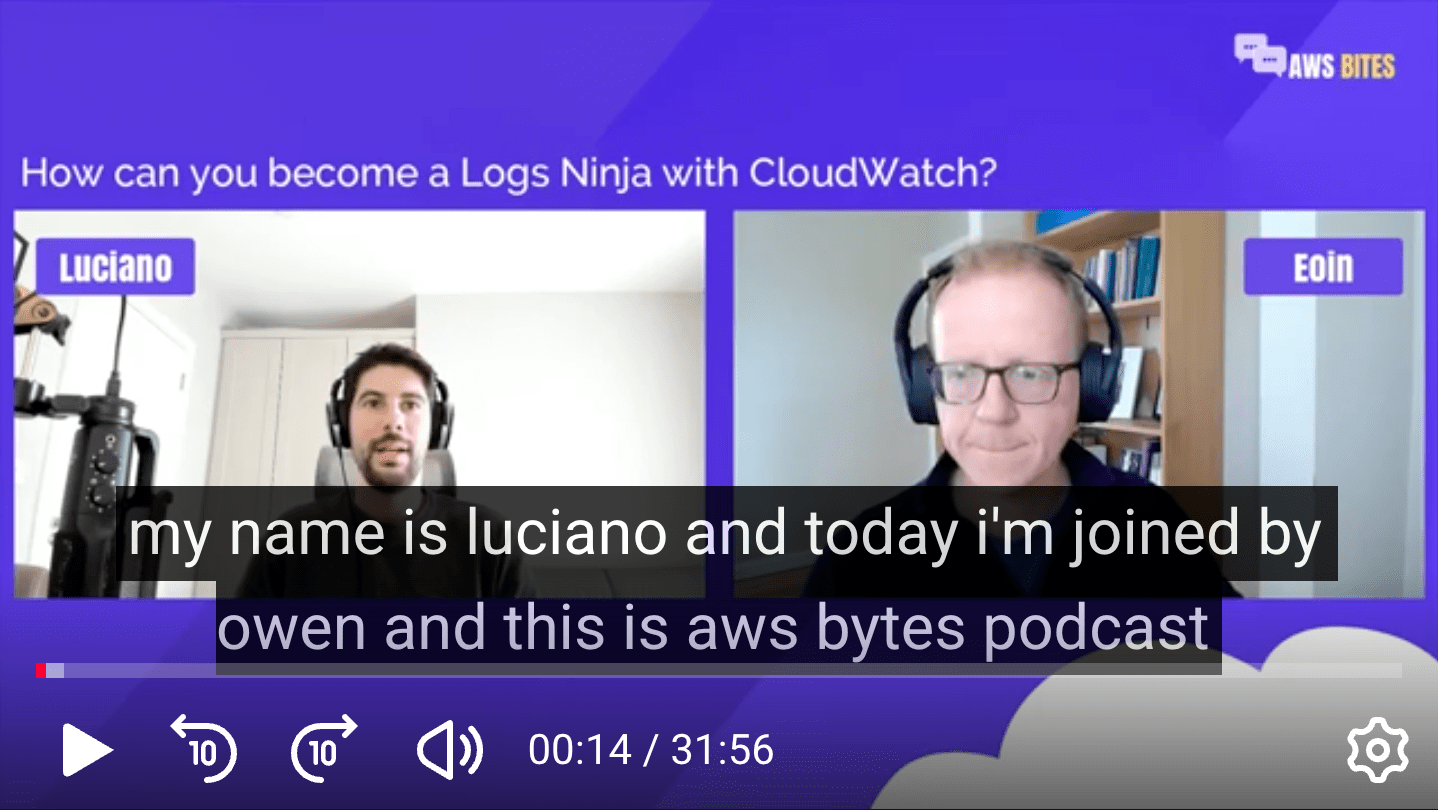
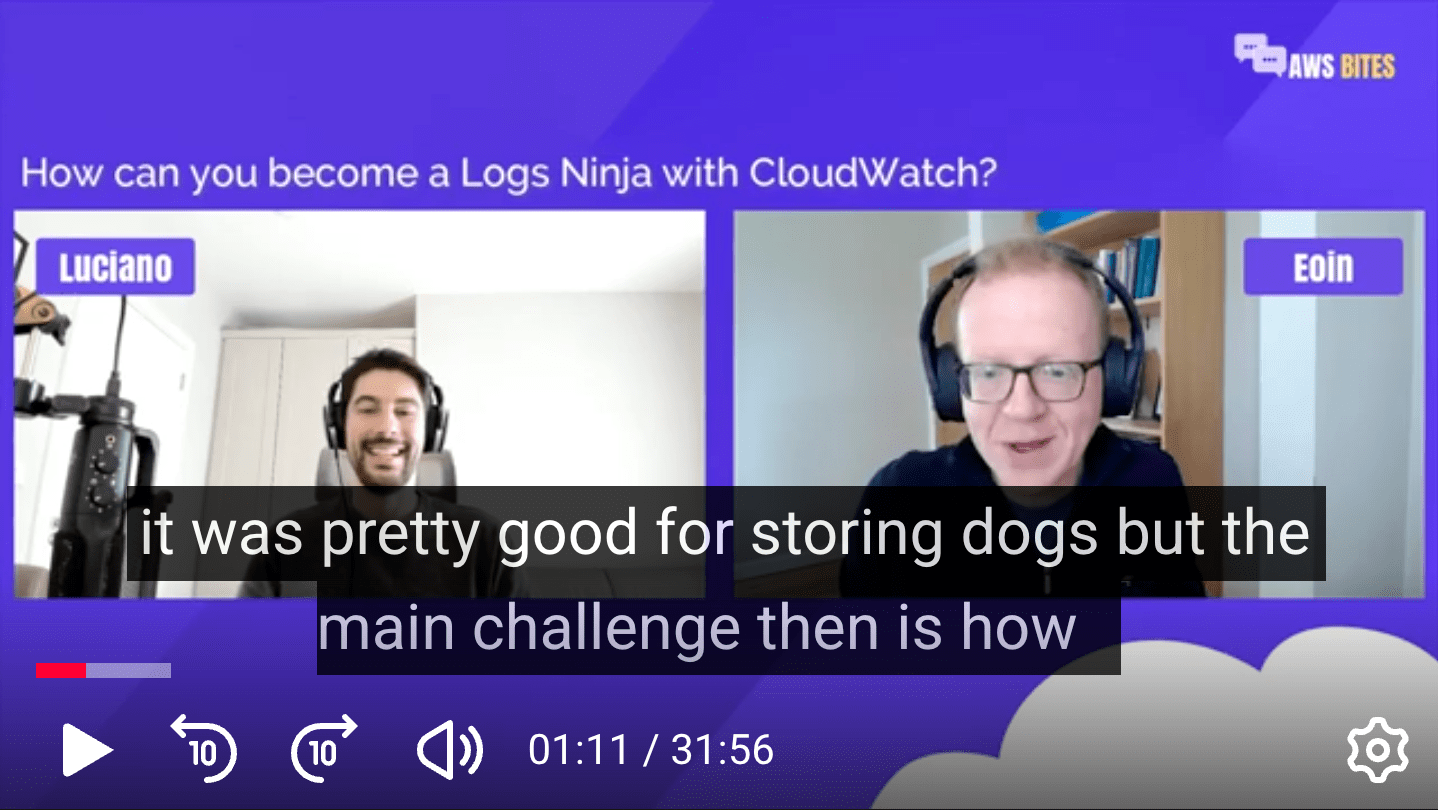
Most automatic audio transcriptions simply suck... 🤷♂️
Proof
CloudWatch Logs Insights
Proof
by AWS
Proof
CI/CD
hard coded
Proof
Luciano
Eoin 😤
AWS Bites
Proof
logs 🐶🪵
SAD REALITY
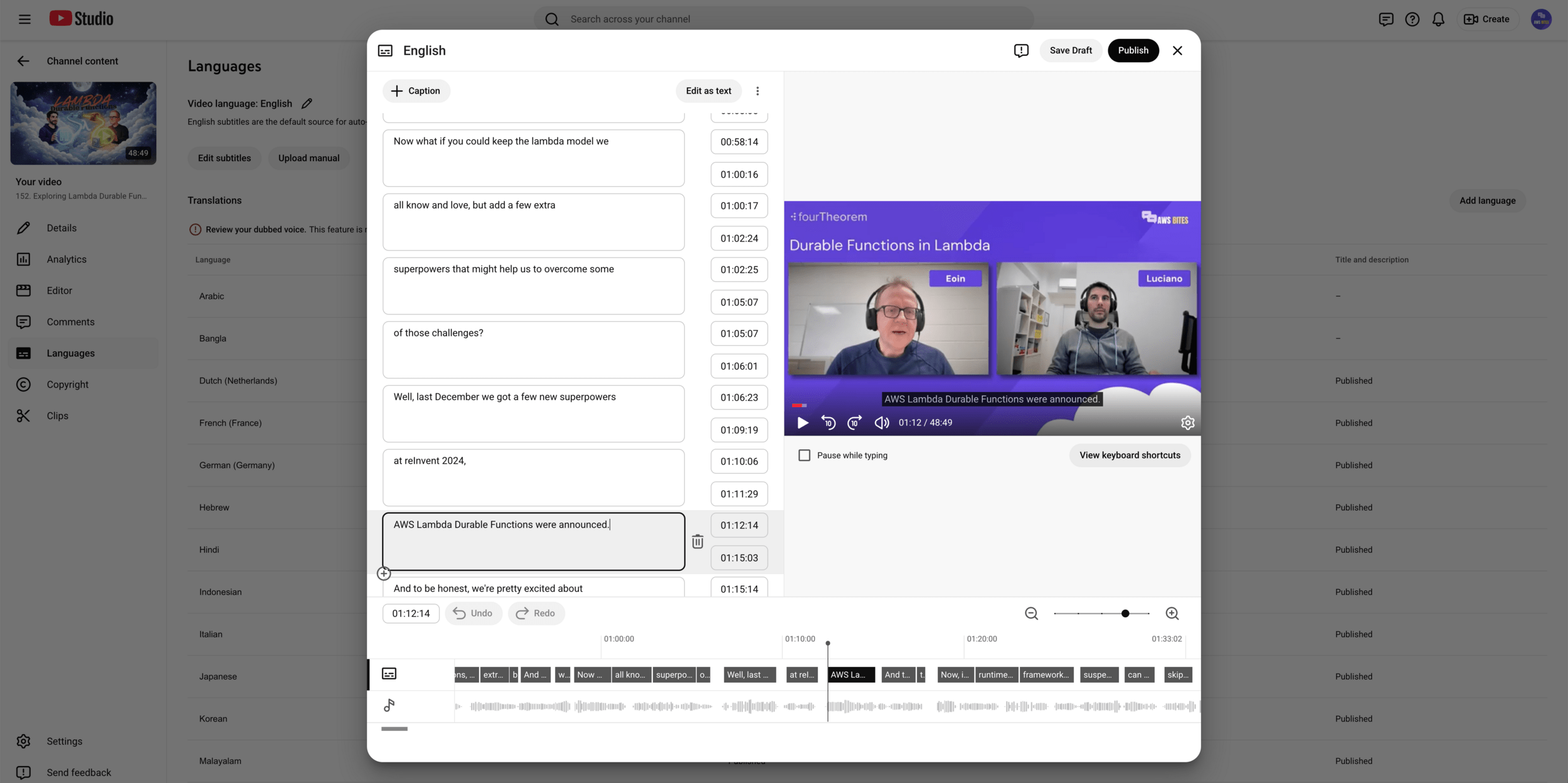
You have to spend a lot of time manually editing transcripts if you want decent results! 😫
👋 I'm Luciano (🇮🇹🍕🍝🤌)
👨💻 Senior Architect @ fourTheorem
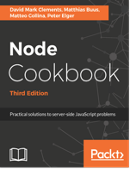
📔 Co-Author of Node.js Design Patterns 👉
Let's connect!
former
👋 I'm Luciano (🇮🇹🍕🍝🤌)
👨💻 Senior Architect @ fourTheorem
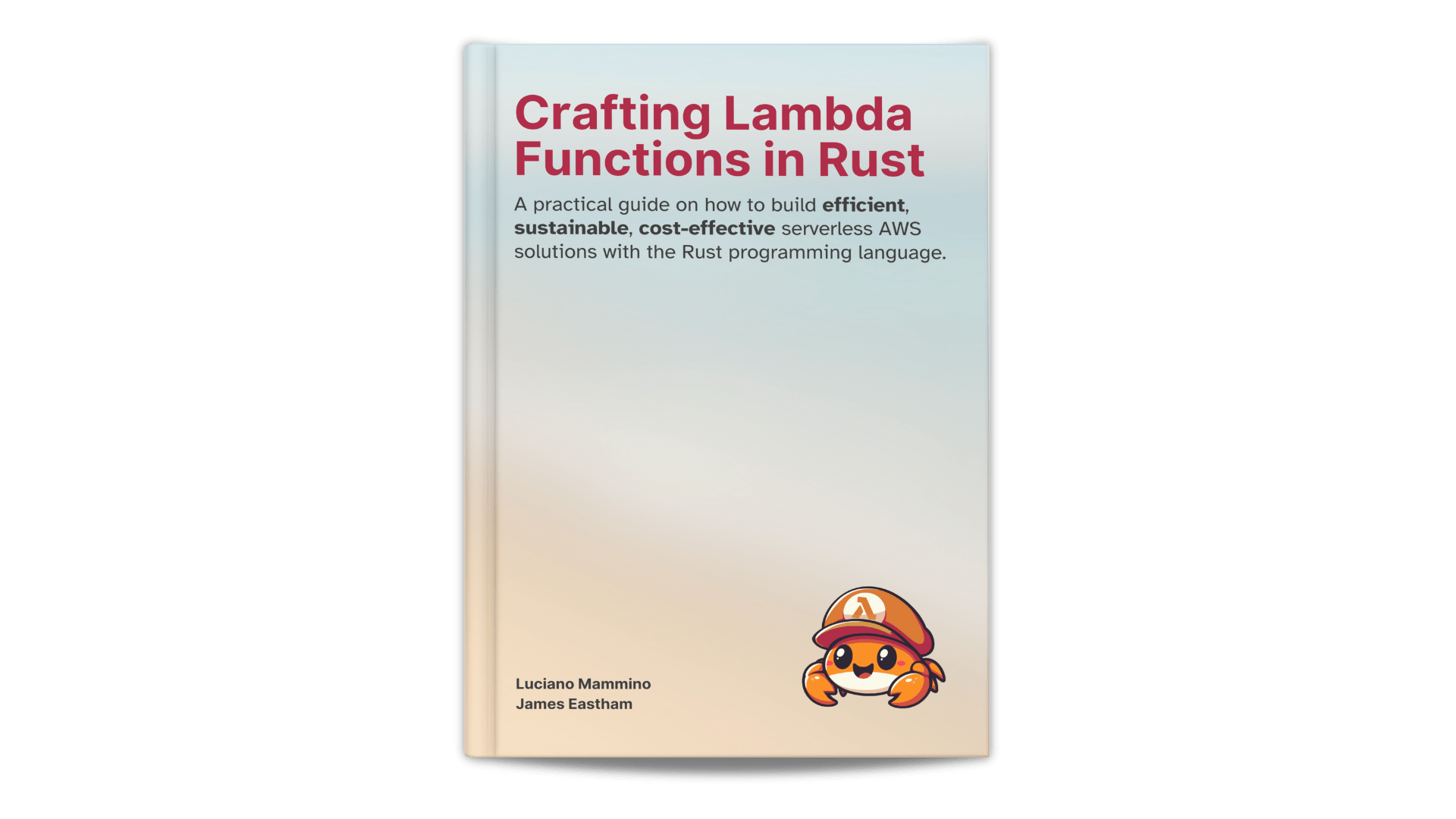
📔 Co-Author of Crafting Lambda Functions in Rust 👉
Let's connect!
Early-access available at
25% discount! 🤑
former
✉️ Reach out to us at hello@fourTheorem.com
😇 We are always looking for talent: fth.link/careers
We can help with:
Cloud Migrations
Training & Cloud enablement
Building high-performance serverless applications
Cutting cloud costs
*
* I am sure there are good options out there, but we do like to build stuff!
Full readable transcript! 🥱
Search for any word we have ever said! 🤐
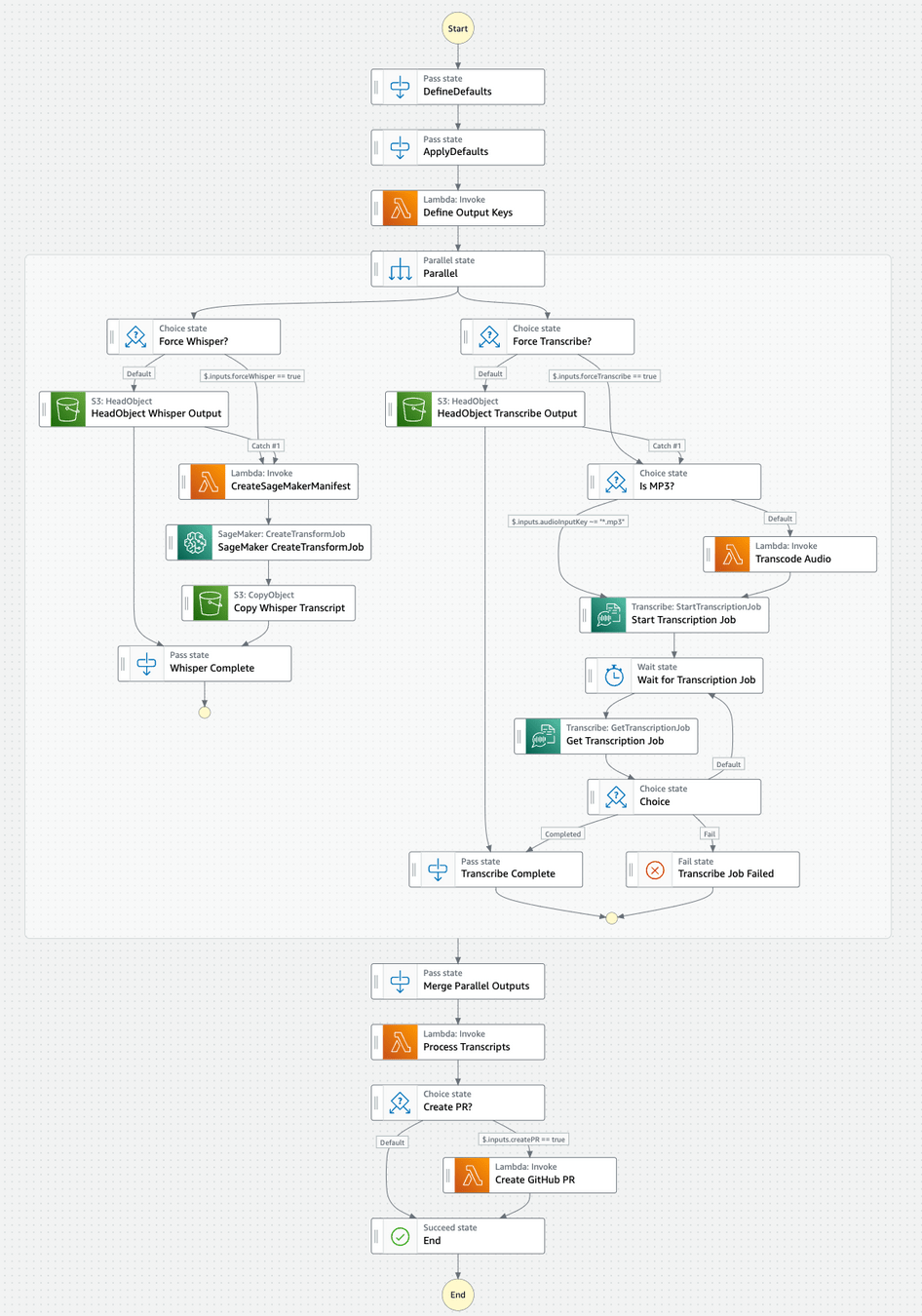
Why 2 separate transcriptions?
(Whisper + Transcribe)
– Probably Nobody
Whisper vs Transcribe
✅ High quality transcriptions
(low error rate)
❌ Average quality transcriptions
(mid error rate)
❌ No diarization
✅ Diarization
❌ Not managed
✅ Fully managed service
Whisper + Transcribe =
a bit of pain... but best of both worlds!
2023 edition
❌ transcript without diarization
{
  "segments": [
    {
      "start": "1.234",
      "end": "5.432",
      "text": "Hello and welcome to AWS Bites"
    },
    {
      "start": "7.734",
      "end": "14.322",
      "text": "Here's Luciano"
    },
    {
      "start": "15.934",
      "end": "19.322",
      "text": "...and here's Eoin"
    }
  ]
}✅ transcript with diarization
{
  "segments": [
    {
      "start": "1.234",
      "end": "5.432",
      "text": "Hello and welcome to AWS Bites",
      "speaker": "SPEAKER_00"
    },
    {
      "start": "7.734",
      "end": "14.322",
      "text": "Here's Luciano",
      "speaker": "SPEAKER_00"
    },
    {
      "start": "15.934",
      "end": "19.322",
      "text": "...and here's Eoin",
      "speaker": "SPEAKER_01"
    }
  ]
}Let's rebuild ALL THE THINGS!
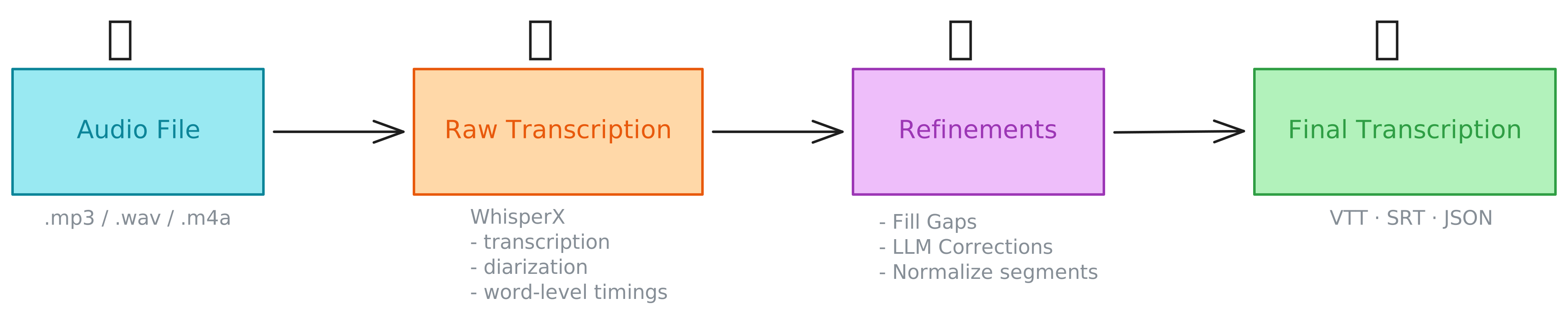
WhisperX can do everything we need:
{
  "segments": [
    {
      "start": "1.234",
      "end": "5.432",
      "text": "Hello and welcome to AWS Bites",
      "speaker": "SPEAKER_00",
      "words": [
        {
          "start": "1.234",
          "end": "2.015",
          "word": "Hello"
        },
        {
          "start": "2.432",
          "end": "3.012",
          "word": "and"
        },
        {
          "start": "3.343",
          "end": "4.432",
          "word": "welcome"
        },
        {
          "start": "4.598",
          "end": "4.732",
          "word": "to"
        },
        {
          "start": "4.812",
          "end": "4.955",
          "word": "AWS"
        },
        {
          "start": "5.011",
          "end": "5.432",
          "word": "Bites"
        }
      ]
    }
  ]
}WhisperX does it all, so we don't need Transcribe anymore! But...
We can make the WhisperX transcripts even better with post-processing!
You are here
You are here
You are here
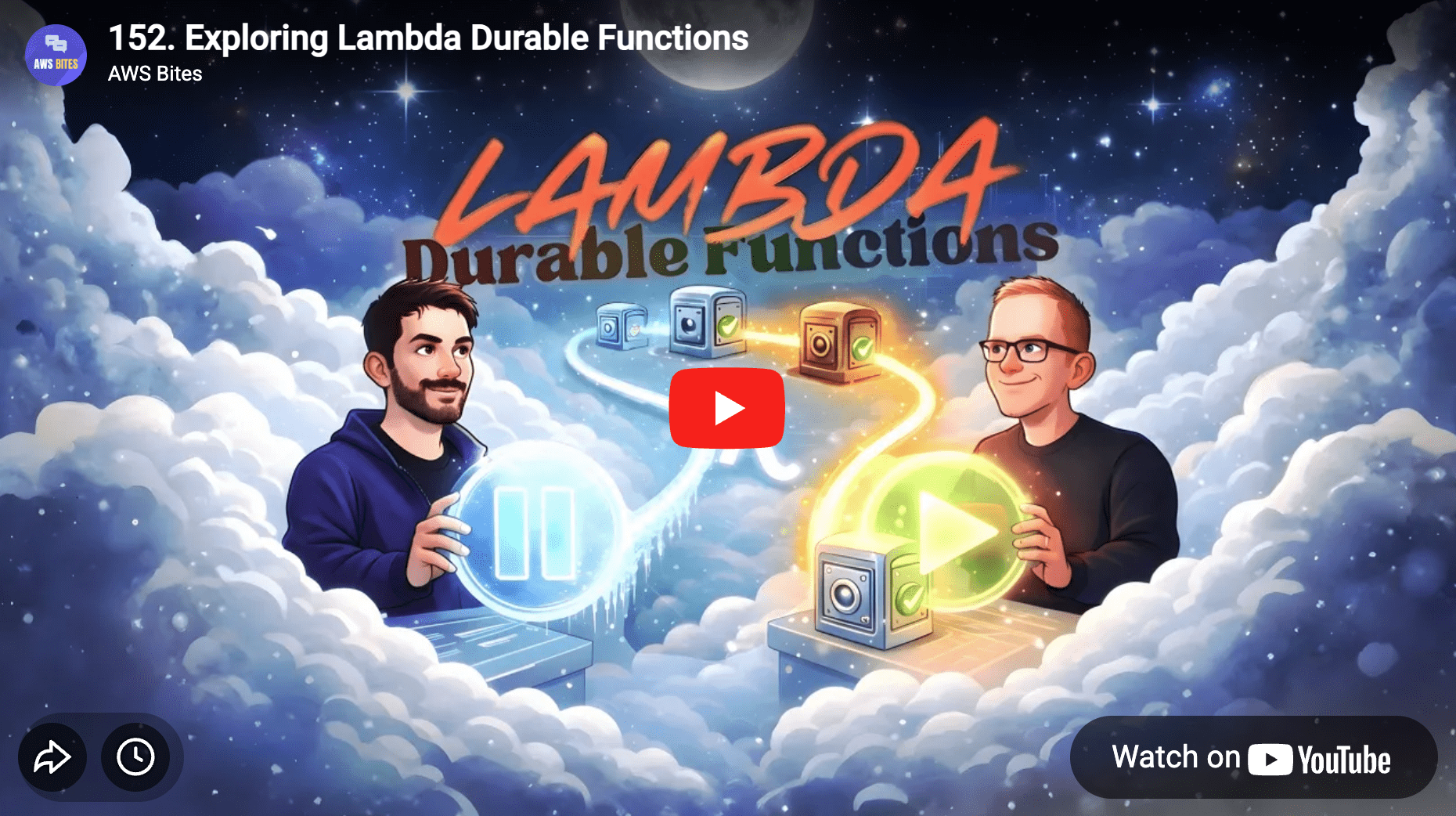
Still Lambda: same runtime, same scaling model
“Turn on” durable mode (flag) + install SDK
New superpowers: checkpoint, suspend, resume
Skip work already completed
Order processing with restaurant confirmation + timeout
Tenant onboarding (multi-step provisioning + reviews)
Payment retries (retry days later)
Media processing (skip expensive rework)
Stop thinking “one invocation”
Start thinking “workflow made of steps”
Steps are explicit, named, atomic units of work
Write business logic in steps:
step1 → step2 → step3
Each step returns a result
Result becomes durable state (checkpointed)
import { DurableContext, withDurableExecution } from '@aws/durable-execution-sdk-js'
import { EventBridgeEvent } from 'aws-lambda'

type S3ObjectCreatedDetail = {
  bucket: { name: string }
  object: { key: string; size: number; etag: string }
}

type S3EventBridgeEvent = EventBridgeEvent<'Object Created',S3ObjectCreatedDetail>

// INIT: here is where you want to initialize clients, read secrets, etc!

const handler = async (event: S3EventBridgeEvent, context: DurableContext) => {
  // ... biz logic here!
}

export const lambdaHandler = withDurableExecution(handler)
const handler = async (event: S3EventBridgeEvent, context: DurableContext) => {
const key = decodeURIComponent(event.detail.object.key.replace(/\+/g, ' '))
const rawResult = await context.waitForCallback( // FIRST STEP!
`transcribe-${key}`,
async (callback_id, innerCtx) => {
innerCtx.logger.debug('Sending message to SQS with callback')
const message = { s3_key: key, callback_id }
const sqs = new SQSClient()
await sqs.send(
new SendMessageCommand({
QueueUrl: QUEUE_URL,
MessageBody: JSON.stringify(message),
}),
)
innerCtx.logger.info('Message sent successfully to SQS')
},
{ timeout: { minutes: 60 } },
)
// You'll never reach this line in this invocation
console.log('🫠')
}You are here
You are here
You are here
❄️ Suspended
You are here
❄️ Suspended
You are here
❄️ Suspended
⚡️ Resume
You are here
const handler = async (event: S3EventBridgeEvent, context: DurableContext) => {
  // ... wait for callback stuff

  // Fill timing gaps — fills missing word timestamps before any other processing
  await context.step('fill-timing-gaps', async () => {
    // ...
  })

  // Replacement rules
  await context.step('replacement-rules', async () => {
    // ...
  })

  // LLM-based refinement
  await context.step('llm-refinement', async () => {
    // ...
  })

  // Segments Normalization
  await context.step('segments-normalization', async () => {
    // ...
  })

  // Generate VTT, SRT, and JSON caption files in parallel
  const { captionKeys, pipelineCompletedAt } = await context.step(
    'generate-captions',
    async () => {
      // ...
    }
  )
}The Lambda service stores execution history
After each step: persist return value
Checkpoints are “safe points” in the workflow
Resume always re-runs your handler from line 1
Completed steps are not re-executed
Step results are replayed (reloaded) from persisted state
Code outside steps is the orchestrator path
Orchestrator code re-runs on every resume
Non-determinism here creates subtle bugs
BTW... What the heck was going on here?!
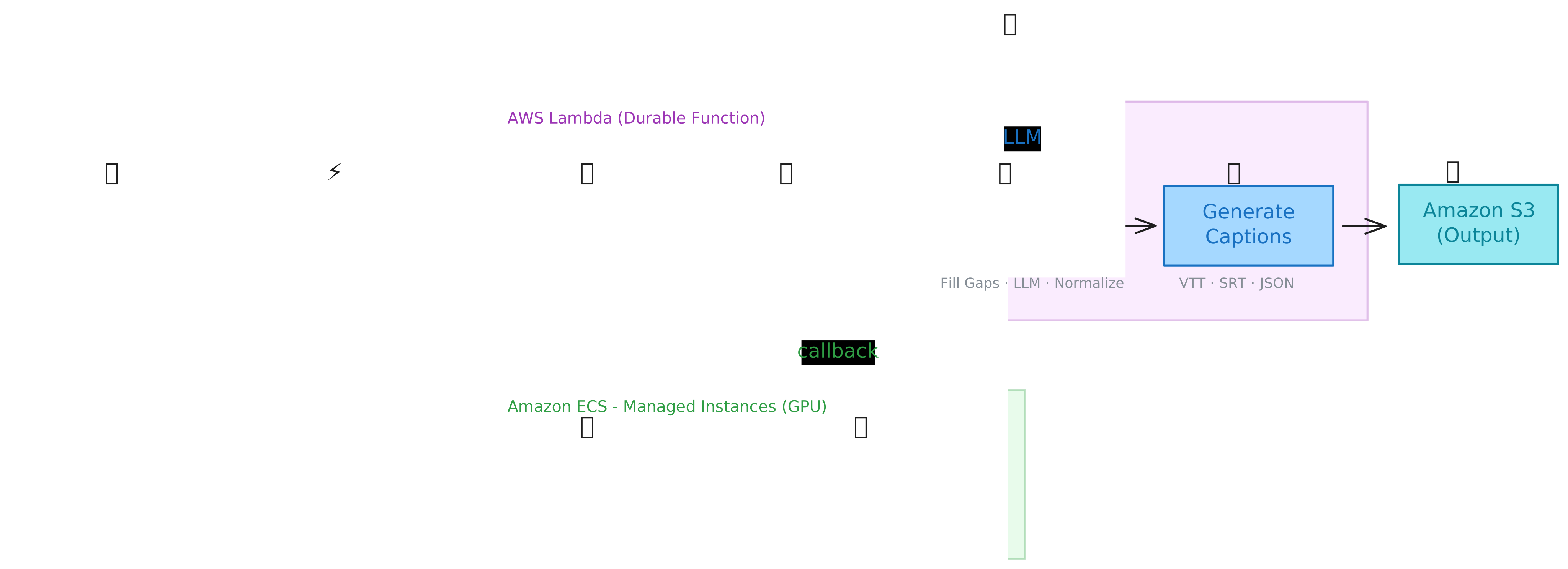
On demand... only when there are jobs in the queue
Totally serverless: scales to 0 with no jobs
We don't want to manage servers, please!
Can we just use Fargate?!
GPU!
Fargate
Serverlessness scale™️
MOAR Serverless 😋
Less Serverless 😒
ECS on EC2
AWS hides the machines
Great default for most workloads
Limits: GPUs, Network, Storage
You have to provision EC2 instances to run container...
You have all the freedom, but also all the responsibility!
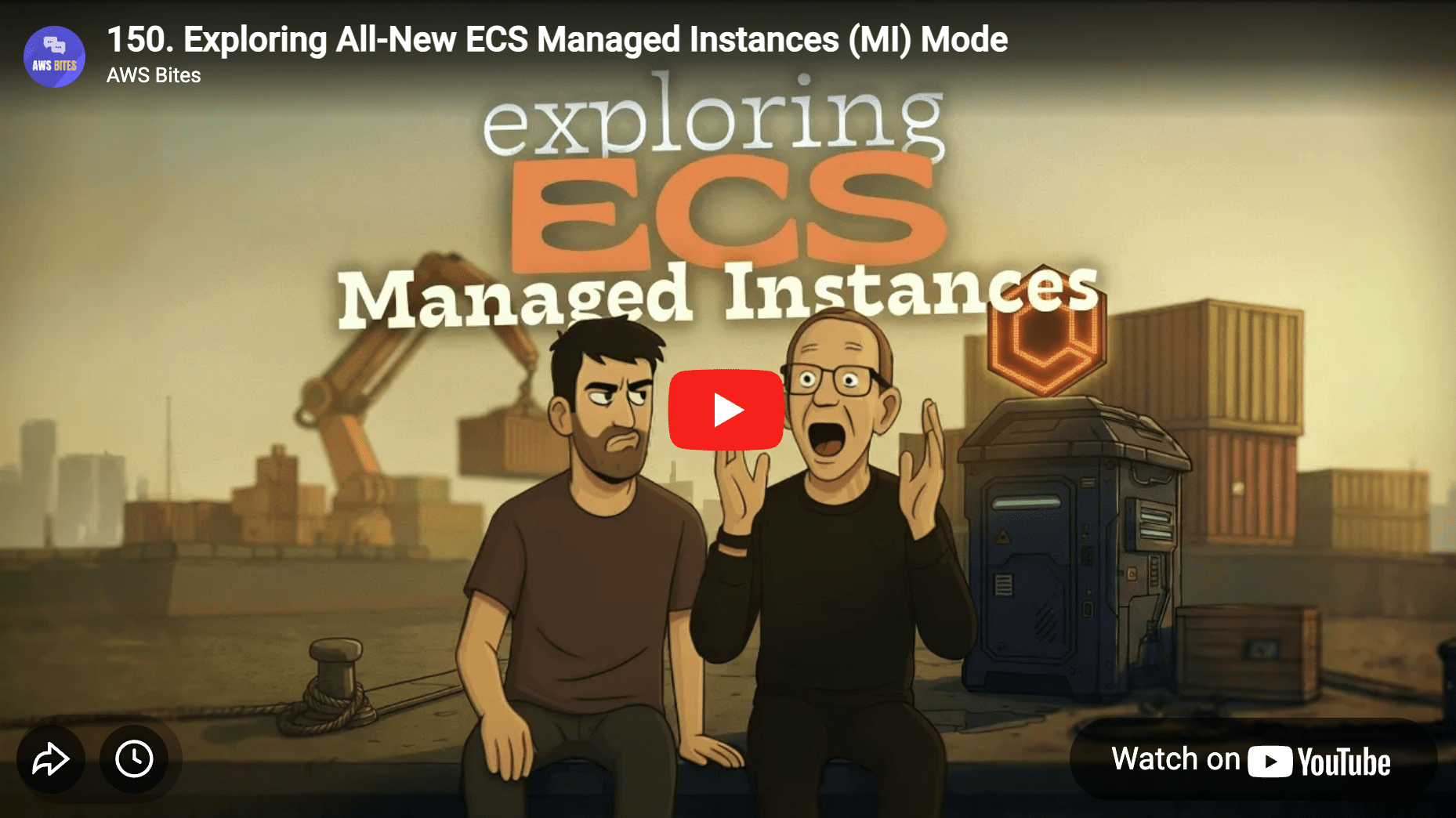
ECS MI
EC2-like flexibility, without management.
You specify requirements, AWS chooses the host.
You don’t manage the OS!
Cluster: logical home for workloads
Task definition: blueprint
Task: running instance of that blueprint
Service: keeps tasks running, deployment + autoscaling
🆕 Capacity provider: where compute comes from
🆕 Attributes: requirements filter for underlying instances
export class MyStack extends cdk.Stack {
  constructor(scope: Construct, id: string, props?: MyStackProps) {
    super(scope, id, props)

    // ...

    // Allow AWS to manage your EC2 instances
    // ...and run ECS containers on them
    const instanceProfileRole = new iam.Role(
      this,
      'ManagedInstancesInstanceProfileRole',
      {
        assumedBy: new iam.ServicePrincipal('ec2.amazonaws.com'),
      },
    )
    instanceProfileRole.addManagedPolicy(
      iam.ManagedPolicy.fromAwsManagedPolicyName(
        'AmazonECSInstanceRolePolicyForManagedInstances',
      ),
    )

    const infrastructureRole = new iam.Role(
      this,
      'ManagedInstancesInfrastructureRole',
      {
        assumedBy: new iam.ServicePrincipal('ecs.amazonaws.com'),
        managedPolicies: [
          iam.ManagedPolicy.fromAwsManagedPolicyName(
            'AmazonECSInfrastructureRolePolicyForManagedInstances',
          ),
        ],
      },
    )

    infrastructureRole.addToPolicy(
      new iam.PolicyStatement({
        actions: ['iam:PassRole'],
        resources: [instanceProfileRole.roleArn],
      }),
    )

    const instanceProfile = new iam.InstanceProfile(
      this,
      'ManagedInstancesInstanceProfile',
      {
        role: instanceProfileRole,
      },
    )
    // ...
  }
}
export class MyStack extends cdk.Stack {
constructor(scope: Construct, id: string, props?: MyStackProps) {
super(scope, id, props)
// ...
// Create the cluster
const cluster = new ecs.Cluster(this, 'MyEcsMiCluster', {
clusterName: 'MyEcsMiCluster'
})
// ...
}
}export class MyStack extends cdk.Stack {
constructor(scope: Construct, id: string, props?: MyStackProps) {
super(scope, id, props)
// ...
// Create capacity provider
const capacityProvider = new ecs.ManagedInstancesCapacityProvider(
this,
'PodwhispererCapacityProvider',
{
subnets: cluster.vpc.privateSubnets,
infrastructureRole,
ec2InstanceProfile: instanceProfile,
securityGroups: [allowOutboundSg],
instanceRequirements: {
vCpuCountMin: 4,
vCpuCountMax: 16, // Allow various GPU instance types from 4 to 16 vCPUs
memoryMin: cdk.Size.gibibytes(16), // Minimum 16 GB (8 GB task + ~8 GB OS overhead)
cpuManufacturers: [
ec2.CpuManufacturer.INTEL,
ec2.CpuManufacturer.AMD,
],
instanceGenerations: [ec2.InstanceGeneration.CURRENT],
burstablePerformance: ec2.BurstablePerformance.EXCLUDED,
bareMetal: ec2.BareMetal.EXCLUDED,
// GPU requirement: single NVIDIA GPU
// Allows: g4dn.xlarge, g4dn.2xlarge, g5.xlarge, g5.2xlarge, p3.2xlarge, etc.
acceleratorManufacturers: [ec2.AcceleratorManufacturer.NVIDIA],
acceleratorTypes: [ec2.AcceleratorType.GPU],
acceleratorCountMin: 1,
acceleratorCountMax: 1, // No multi-GPU instances
},
},
)
// Adds the capacity provider to our cluster
cluster.addManagedInstancesCapacityProvider(capacityProvider)
// ...
}
}export class MyStack extends cdk.Stack {
constructor(scope: Construct, id: string, props?: MyStackProps) {
super(scope, id, props)
// ...
// Create task definition
const ecsTaskDefinition = new ecs.TaskDefinition(
this,
'PodwhispererTaskDef',
{
compatibility: ecs.Compatibility.MANAGED_INSTANCES,
cpu: '4096',
memoryMiB: '8192',
runtimePlatform: { cpuArchitecture: ecs.CpuArchitecture.X86_64 },
networkMode: ecs.NetworkMode.AWS_VPC,
},
)
ecsTaskDefinition.addContainer('worker', {
image,
gpuCount: 1, // <- IMPORTANT TO EXPOSE GPU TO THE CONTAINER
})
// ...
}
}export class MyStack extends cdk.Stack {
constructor(scope: Construct, id: string, props?: MyStackProps) {
super(scope, id, props)
// ...
// Create service
const service = new ecs.FargateService(this, 'PodwhispererService', {
cluster,
taskDefinition: ecsTaskDefinition,
desiredCount: 0, // Start at 0, scale up based on queue depth
minHealthyPercent: 0, // Allow tasks to be stopped during deployments
enableExecuteCommand: true,
capacityProviderStrategies: [
{
capacityProvider: capacityProvider.capacityProviderName,
weight: 1,
},
],
})
// ...
}
}export class MyStack extends cdk.Stack {
constructor(scope: Construct, id: string, props?: MyStackProps) {
super(scope, id, props)
// ...
// Auto-scaling: scale to zero when queue is empty, scale to 1 when messages arrive
// Simple binary scaling: 0 messages = 0 tasks, 1+ messages = 1 task
const scaling = service.autoScaleTaskCount({
minCapacity: 0, // Scale to zero when idle = no cost
maxCapacity: 1, // Only allow 1 concurrent task
})
scaling.scaleOnMetric('QueueDepthScaling', {
metric: queue.metricApproximateNumberOfMessagesVisible(),
scalingSteps: [
{ upper: 0, change: -1 }, // Scale down to 0 when queue is empty
{ lower: 1, change: +1 }, // 1+ messages: scale up to 1 task
],
adjustmentType: appscaling.AdjustmentType.CHANGE_IN_CAPACITY,
cooldown: cdk.Duration.seconds(60),
})
// ...
}
}When a task starts it polls the queue
When a message is received, it contains
the S3 path of the audio file
the Lambda callback to call on completion
The file is downloaded locally
WhisperX runs
Results are saved in S3
The callback is invoked
When the container does 3 empty polls consecutively it exits
If there are no containers running AWS deprovisions the EC2 managed instances!
You are here
You are here
How do we use Bedrock to improve our transcripts?
const REFINEMENT_PROMPT_TEMPLATE = `
You are a transcript editor. Your task is to fix ONLY obvious transcription errors - words that were clearly misheard or misspelled by the speech-to-text system.

## STRICT RULES - Read carefully

**DO correct:**
- Technical terms and proper nouns that were phonetically misheard (e.g., "aye phone" → "iPhone", "doctor smith" → "Dr. Smith")
- Words split incorrectly by the transcriber (e.g., "face book" → "Facebook", "new york" → "New York")
- Obvious homophones that are wrong in context (e.g., "there" vs "their" when clearly wrong)
- Duplicated words from transcription errors (e.g., "the the" → "the")

**DO NOT:**
- Rephrase or reword sentences
- Change sentence structure
- Add words that weren't spoken
- Remove words unless they are duplicated transcription errors
- "Improve" grammar or style
- Change filler words (um, uh, like) - leave them as-is
- Make subjective changes

**When in doubt, leave it unchanged.** The goal is to fix machine transcription errors, not to edit the speakers' words.

## Examples of GOOD vs BAD corrections

**GOOD corrections** (these ARE transcription errors - make these fixes):
- "sage maker" → "SageMaker" (split technical term)
- "lamb da" → "Lambda" (split word)
- "the the function" → "the function" (duplicate word)
- "new york" → "New York" (proper noun)
- "aye phone" → "iPhone" (phonetically misheard)

**BAD corrections** (do NOT make these changes):
- "So default in Lambda, that would be..." → "So you can have up to..." (complete rewrite - WRONG)
- "I think we should probably consider" → "We should consider" (removing hedging - WRONG)
- "um so basically what happens" → "what happens" (removing fillers - WRONG)
- "it's like really fast" → "it's very fast" (style improvement - WRONG)
- "I think this approach pushes you" → "This approach pushes you" (removing speaker's voice - WRONG)

**Rule of thumb:** If more than 2-3 words need changing, it's probably NOT a transcription error. Leave it unchanged.

{{ADDITIONAL_CONTEXT}}

## Speaker Identification
If additional context is provided above, use any information about speakers (names, roles, or speaking patterns) to identify them. Otherwise, keep the original SPEAKER_XX labels for unknown speakers.

## Input format
Plain text lines with index and speaker prefix:
\`\`\`
[0] [SPEAKER_00] Hello and welcome to the show.
[1] [SPEAKER_01] Thanks for having me.
\`\`\`

## Output format
\`\`\`json
{
  "identifiedSpeakers": {
    "SPEAKER_00": "Name or SPEAKER_00 if unknown",
    "SPEAKER_01": "Name or SPEAKER_01 if unknown"
  },
  "updates": [
    { "idx": 1, "text": "Corrected text here." }
  ]
}
\`\`\`

Only include updates for lines with genuine transcription errors. Most lines should NOT need changes. Do not report lines with no changes.

## Transcript to analyze

{{TRANSCRIPT}}
`You need to be very specific to get more predictable results
You need to be very explicit about input/output formats
Validate the output before using it!
All the code is FREE and open source! ❤️
Use it, fork it, contribute back!
AWS UG Roma
2026-02-18
By Luciano Mammino
I co-host AWS Bites with Eoin Shanaghy. The show has passed 150 episodes, and since it is a side project alongside a full-time job, the production workflow has to be efficient. A few years ago Eoin and I built an automated system to transcribe each episode and generate subtitles for YouTube and the website. That system became Podwhisperer, an open-source pipeline that anyone can deploy in their own AWS account to automate podcast transcription. Three years is a long time in the AWS world. Better speech tooling showed up, new ways to run GPU workloads became practical, and durable orchestration in Lambda got a lot more interesting. So we rebuilt the project as podwhisperer v2: a serverless transcription pipeline optimized for podcasts, with GPU-accelerated transcription, speaker diarization, and an optional refinement step powered by Amazon Bedrock. v2 also produces captions in VTT, SRT, and JSON — including word-level timing — so the output can be used directly across platforms without extra manual work. This talk is a practical case study of the v2 architecture and the trade-offs behind it. The workflow is orchestrated with a Durable Lambda Function, so long-running jobs survive Lambda timeouts thanks to automatic checkpointing. GPU work runs in a container on Amazon ECS Managed Instances, which provisions CUDA-capable capacity on demand and shuts it down when...